Screenshot Studio
Store screenshots, art-directed.
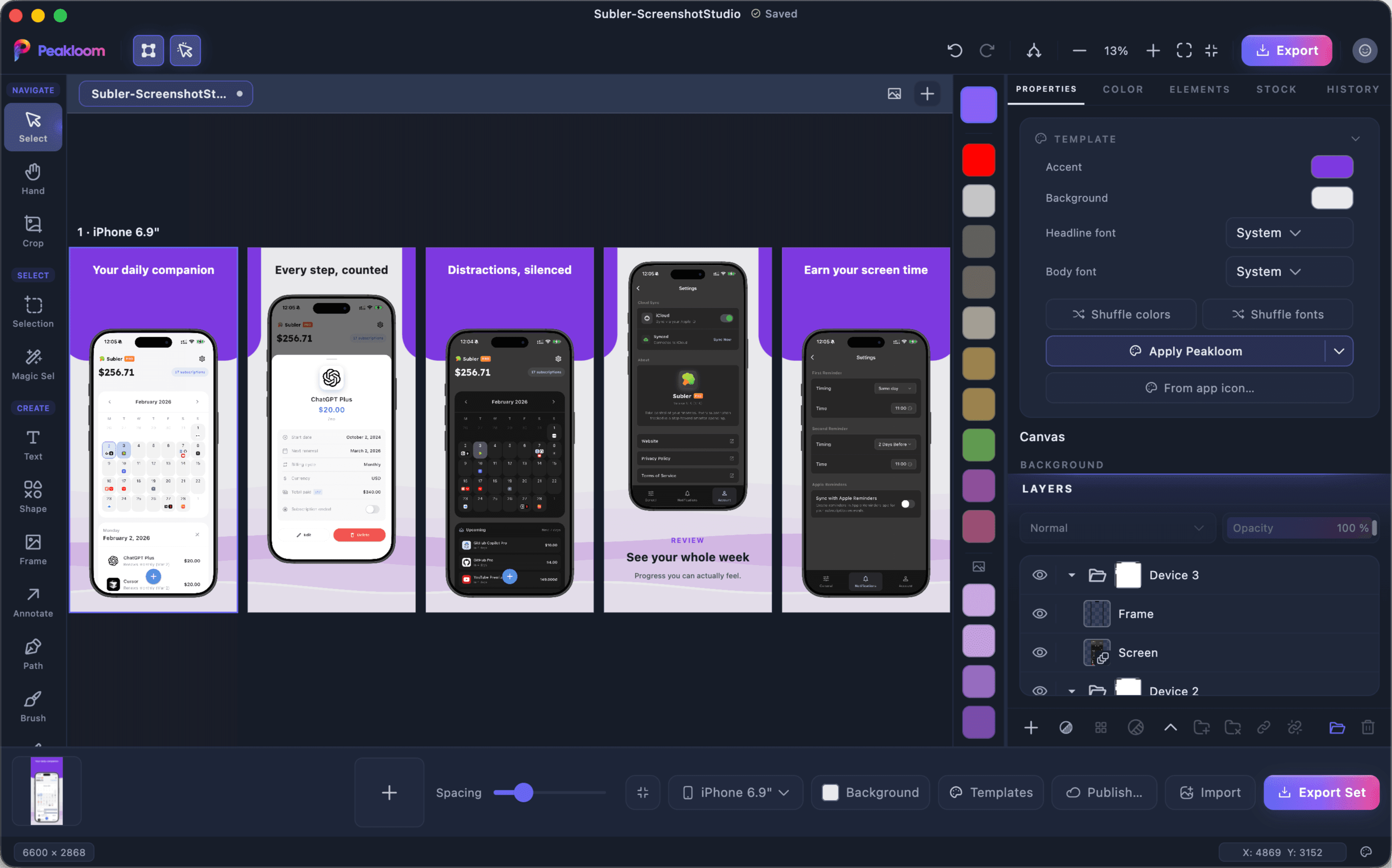
The screenshots are the part of a launch that gets rushed, because doing them properly means rebuilding the same scaffolding every release. Screenshot Studio keeps the scaffolding: drop your app screens in, choose a look, and export an upload-ready set in every size the store asks for.
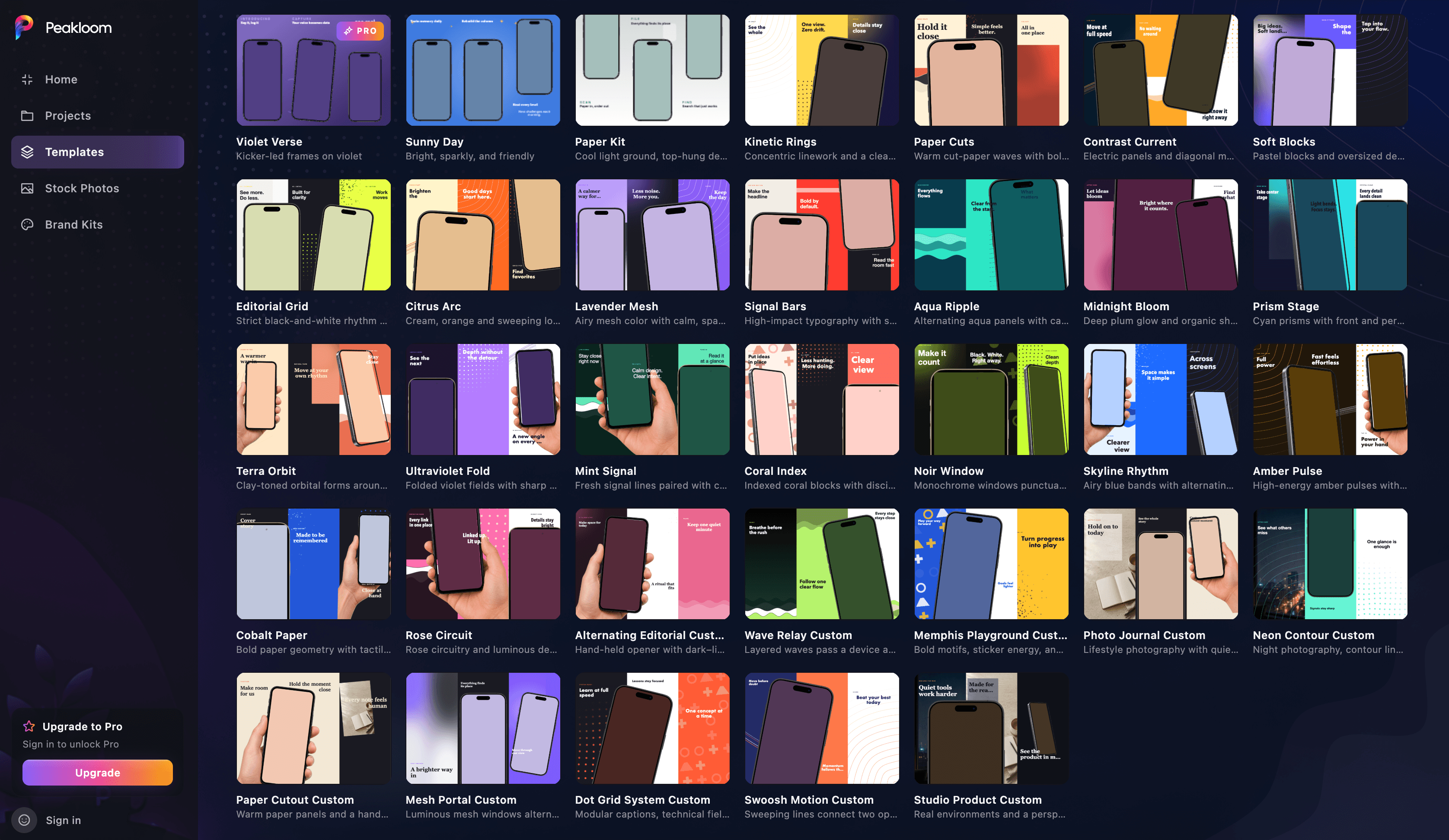
A shelf of looks, and yours among them.
A library of designed templates is built in, each with its own type pairing and palette, and new ones arrive from the cloud without an app update. Shuffle the colours or the fonts to explore, or pull a six-colour palette straight out of your app icon - that extraction happens on your machine, not on a server.
- iPhone-6.9
- iPhone-6.5
- iPhone-6.3
- iPhone-6.1
- iPad-13
- iPad-12.9
- iPad-11
- iPad-10.5
- iPad-9.7
- Apple-Watch
- Android-Phone
Every one of these also exists in landscape, which is how eleven devices become 21 export targets.
Twenty-one targets, named the way the upload expects.
Four iPhone sizes, five iPad sizes, Apple Watch and Android phone, each in portrait and landscape. Export the set and every size lands in its own correctly named folder, so uploading is a drag and a drop instead of a renaming session at midnight.
Up to ten panels on one canvas, with the spacing between them on a single slider.
Device frames drawn, not pasted.
The frames are vector art, so they stay sharp at any canvas scale instead of going soft the way a bitmap mockup does. Put up to ten panels on one canvas, set the gap between them with a single slider, and tilt a device when a flat one is not saying enough.
Questions about Screenshot Studio
Which store sizes does it export?
21 targets: iPhone 6.9", 6.5", 6.3" and 6.1", five iPad sizes, Apple Watch and Android phone, each in portrait and landscape. Each one exports into its own folder, named the way the upload expects - iPhone-6.9, iPad-13-Landscape and so on.
Can I use it for Google Play?
Partly. An Android phone target exists and exports like the rest, but the device picker is built around iPhone, iPad and Apple Watch, so an Android-first set is more manual work than an App Store one.
Are the headlines editable after a template is applied?
Yes. A template builds real layers on a real canvas - headline, subhead, artwork, device frame - so everything stays editable with Peakloom's normal text and layer tools. You are not locked into the template's words or its layout.
Does it need an internet connection?
Only for the parts that fetch something. Templates, frames, layout and export all run on your machine; the stock photo browser and the cloud templates are the exceptions, because both are downloading images.