MCP · Model Context Protocol
Let AI work in Peakloom with MCP.
Connect Claude Desktop, Claude Code or Codex to the document open in Peakloom. Edit, render and refine it through MCP.

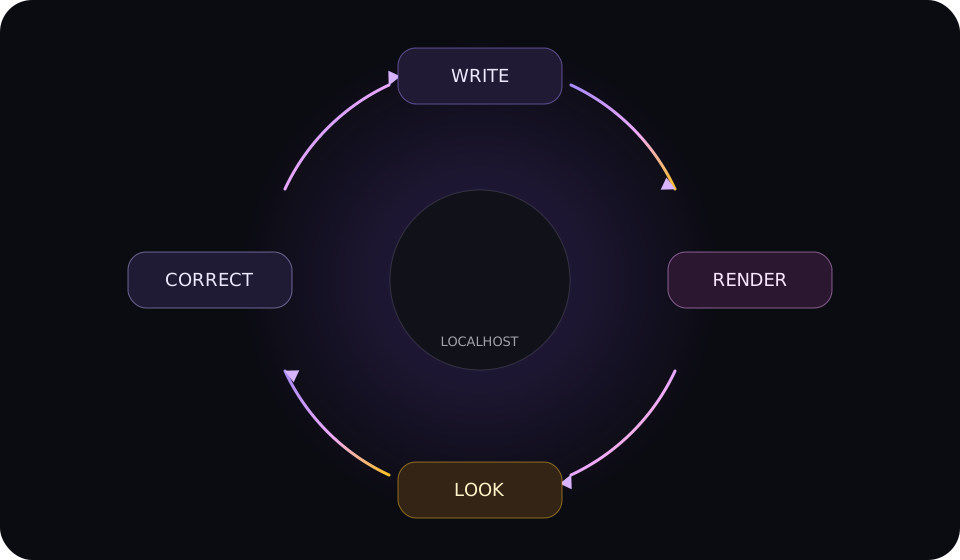
Local MCP workflow
Edit. Preview. Correct.
MCP sends structured edits to the running Peakloom app, then returns a preview for the next correction.
Each write is one undo step.

Setup
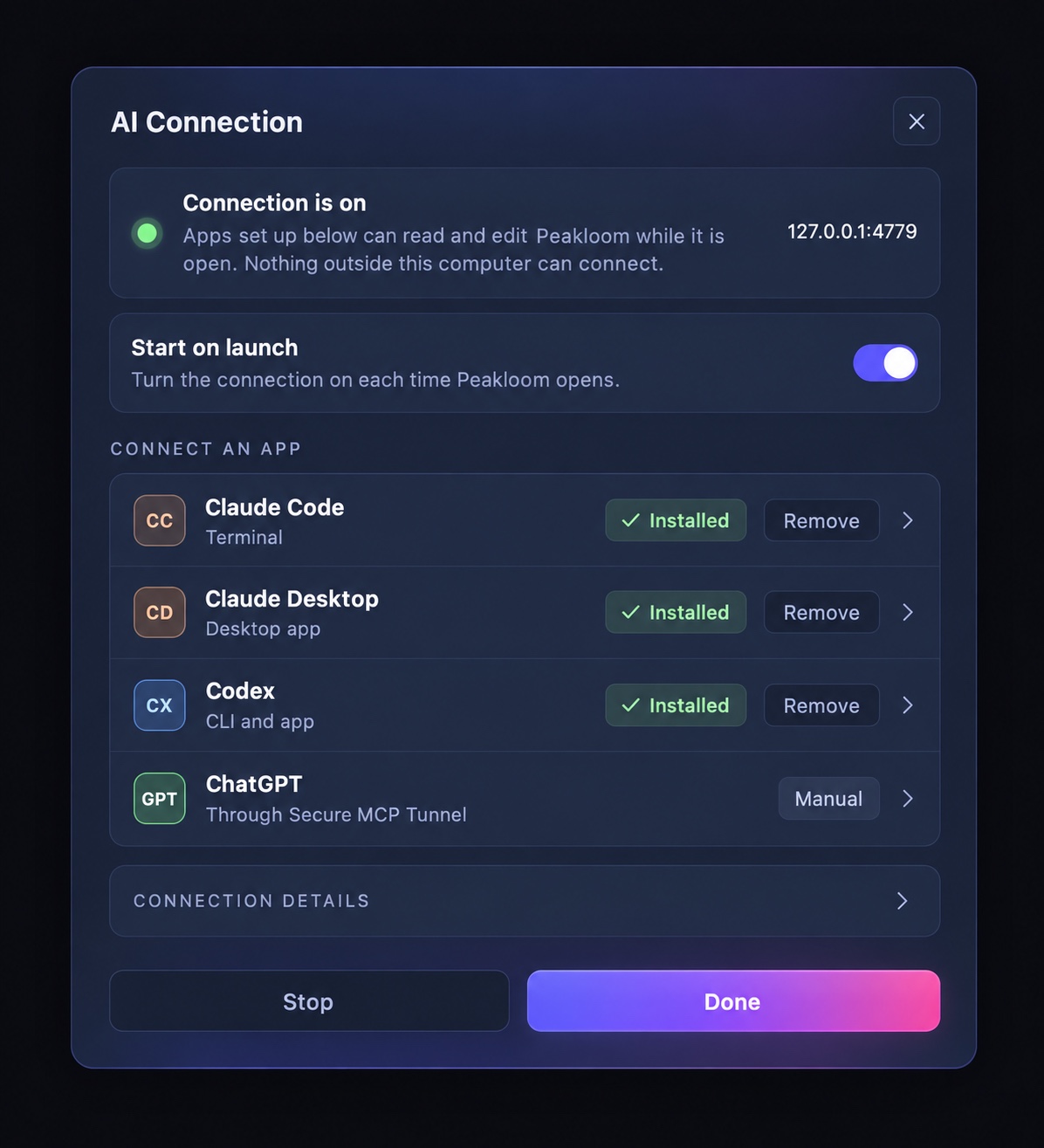
Connect in four steps.
Turn on the local connection when you need it.
- 1
Turn on MCP
Open MCP Connection in Peakloom Settings.
- 2
Keep Peakloom open
The local connection works while the app is running.
- 3
Connect your AI app
Use Node.js to add Claude or Codex.
- 4
Open a document
Ask the AI to read it before editing.
What it can do
75 tools, four jobs.
Work with real documents and editable layers.
Create
Documents, pages and design directions.
Edit
Text, images, frames and layers.
Inspect
State, references and previews.
Finish
Save, export, undo and redo.
Ready to connect?
Download Peakloom for macOS and turn on MCP in Settings.