Peakloom
AI Creative Workspace
Version 1.0.327 · 83.0 MB
Free to download · Works offline.
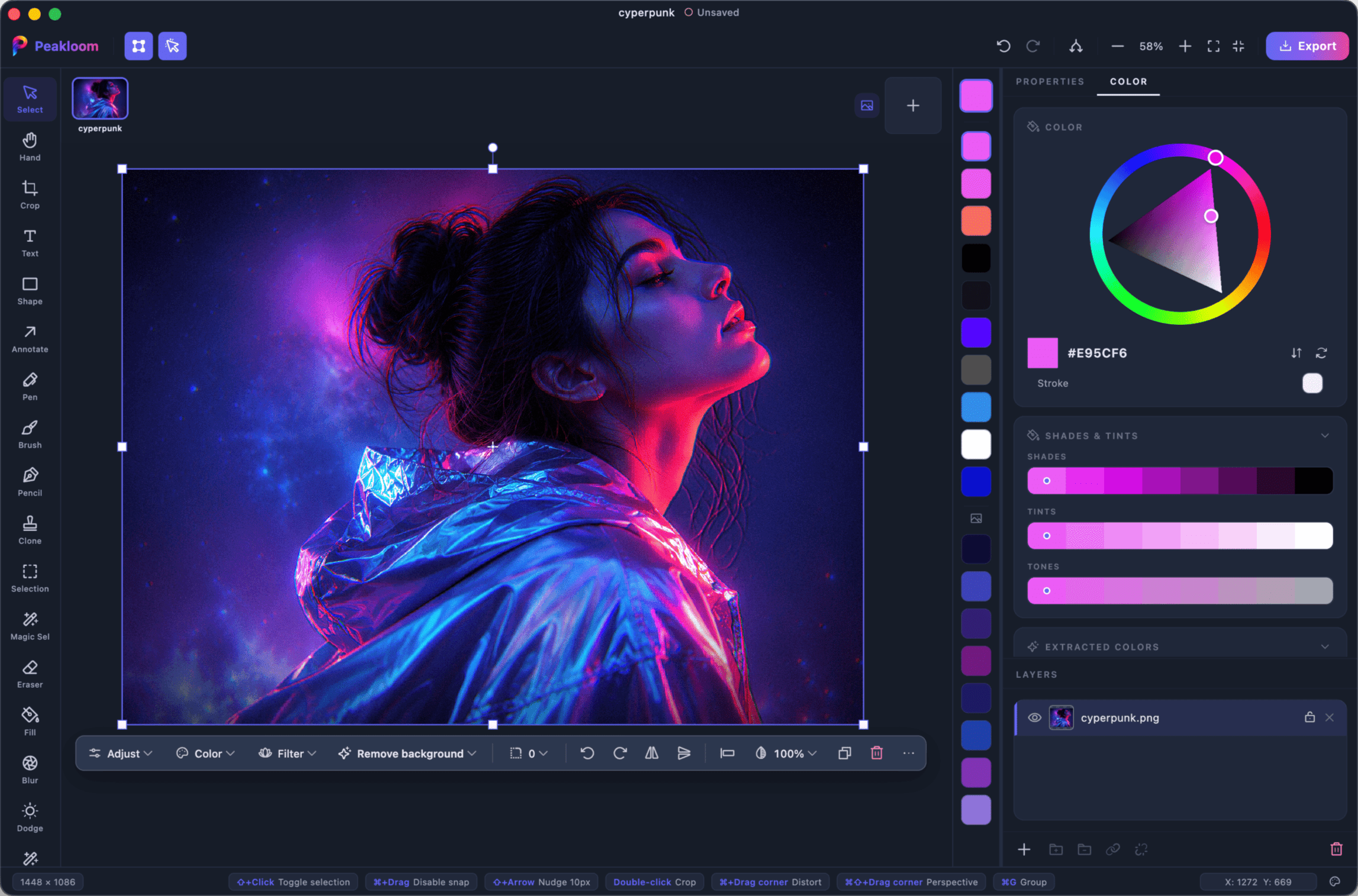
One app, from pixel to poster.
Start in AI Studio or on a blank canvas. Retouch with real layers, masks and AI, then lay out the post, poster or slide right beside it - with templates, fonts and your brand kit.
New · AI Studio
Edit a photo, or create from a prompt.
Dozens of AI tools for weather, light, restoration and product shots, plus ready-made ideas you finish by changing a few words. Every result stays editable.
Explore AI Studio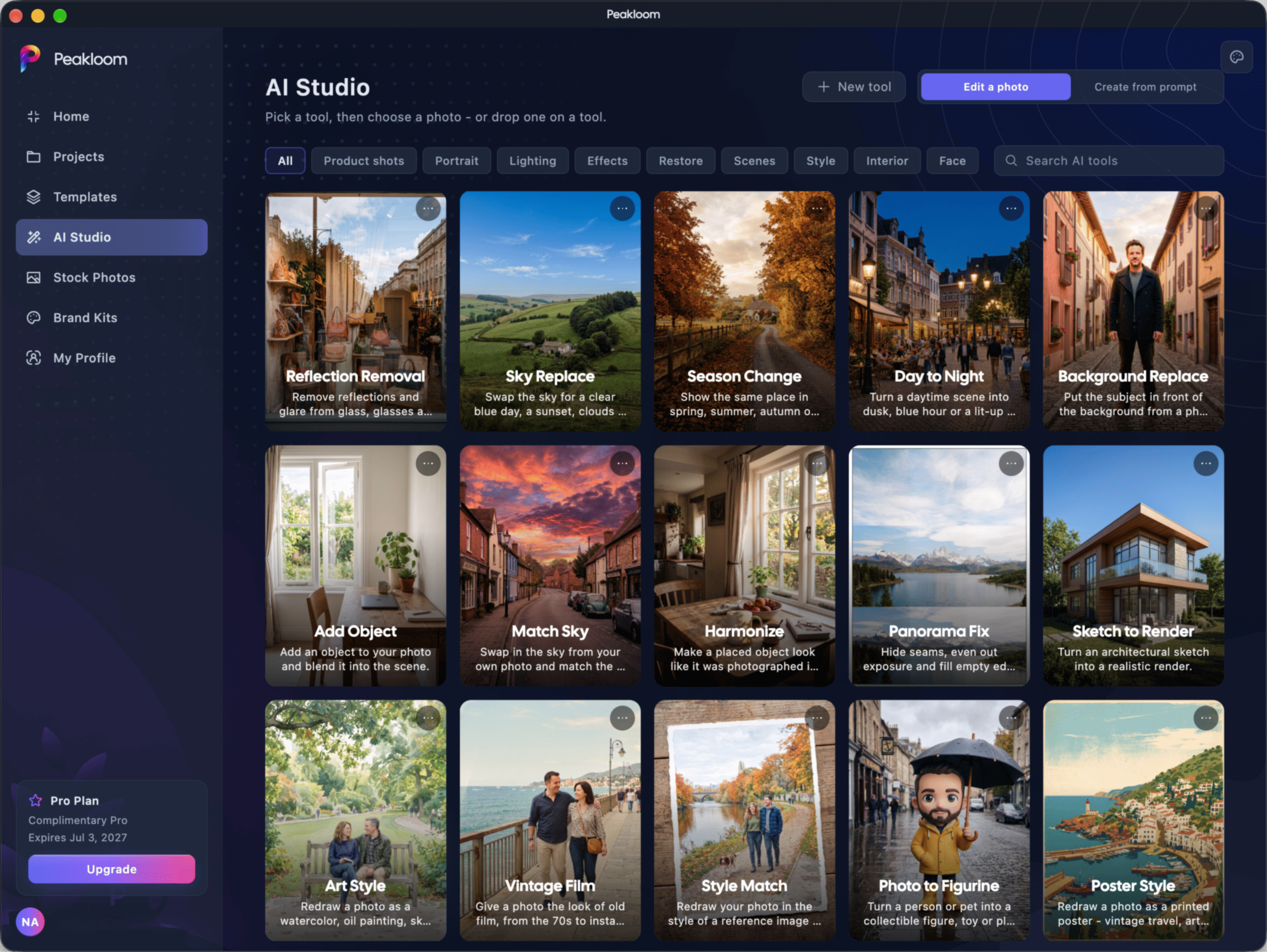
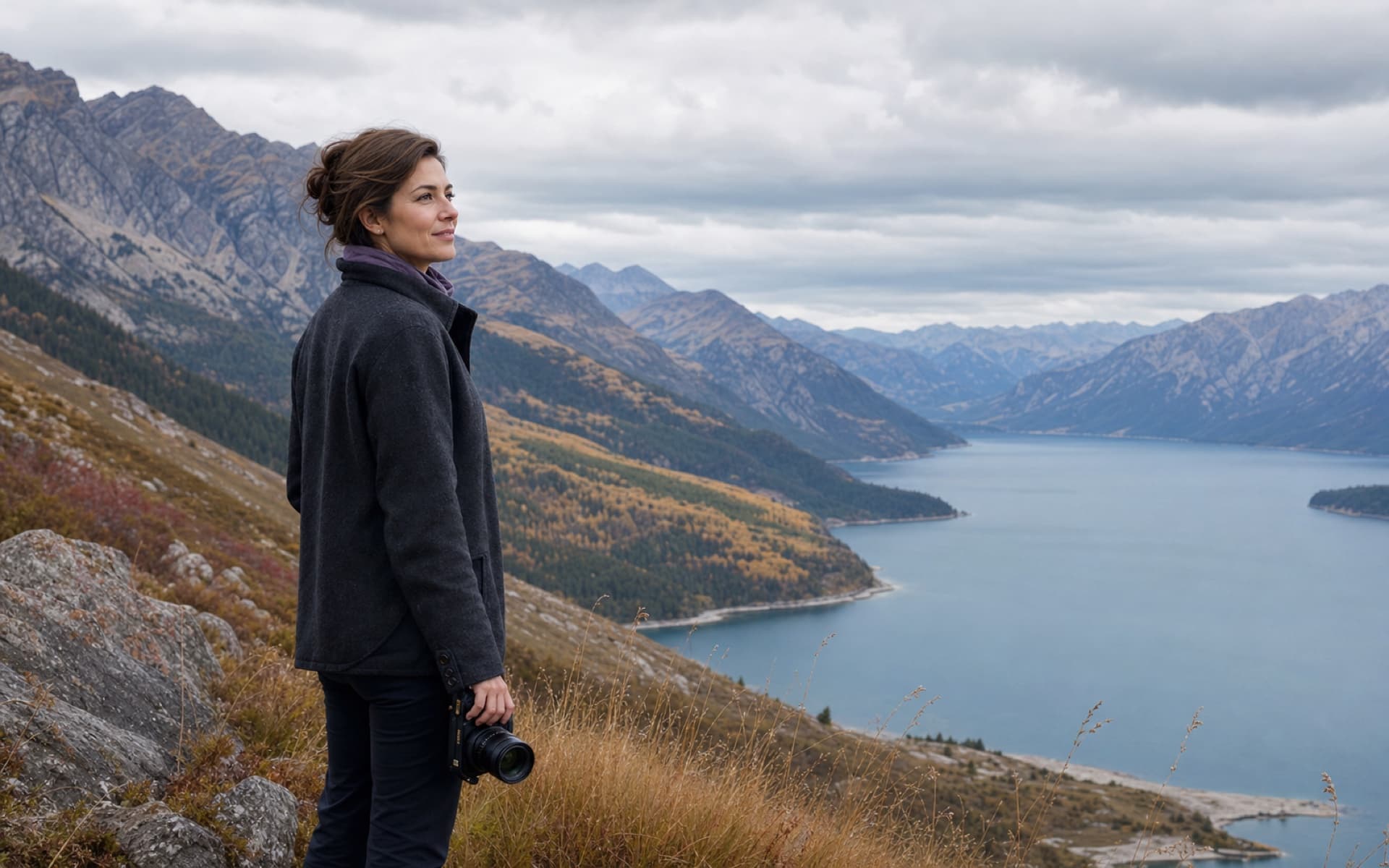
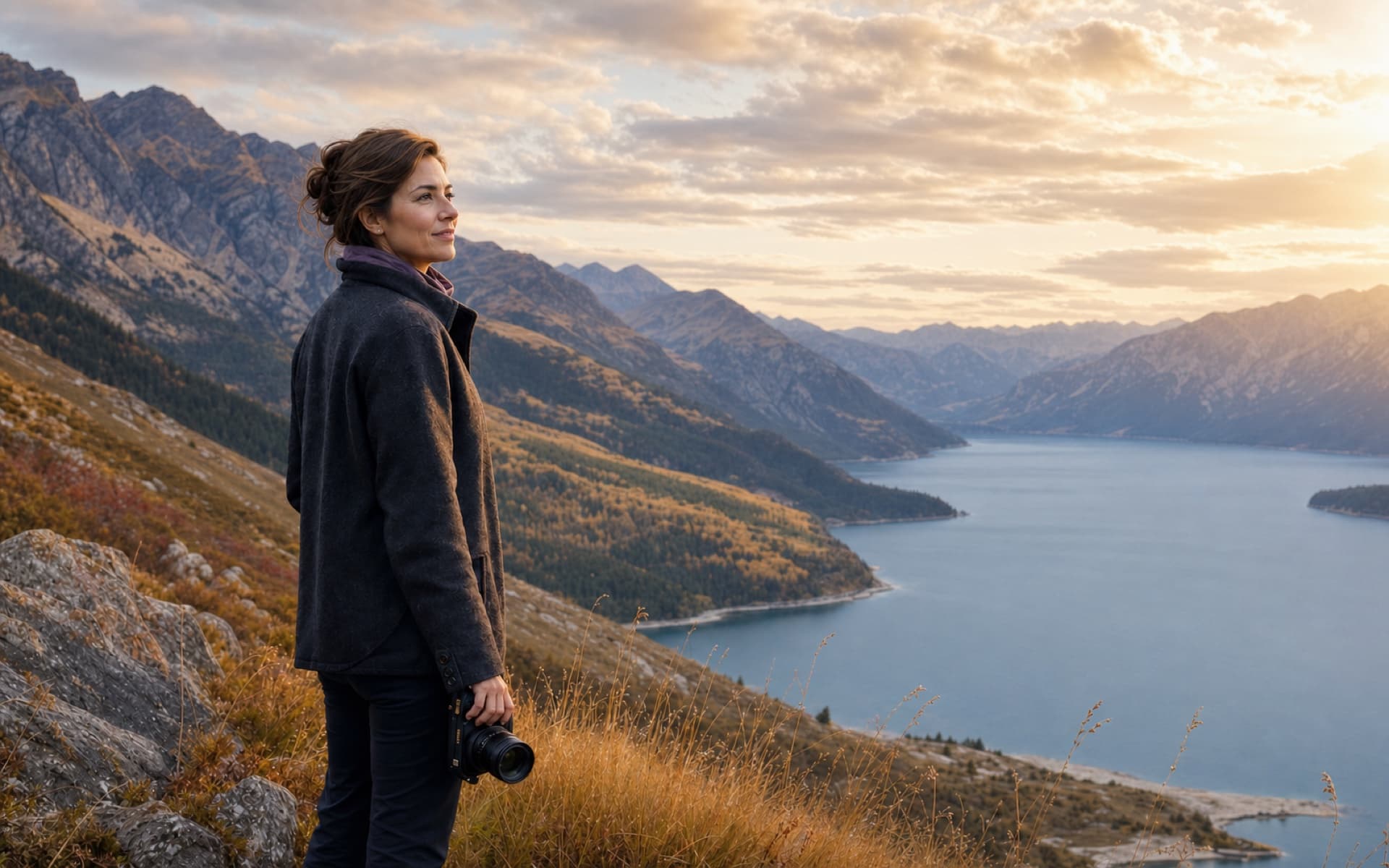
Golden hour, on demand.
Move the light, blur the background or add depth haze. Peakloom reads the scene in 3D on your machine.
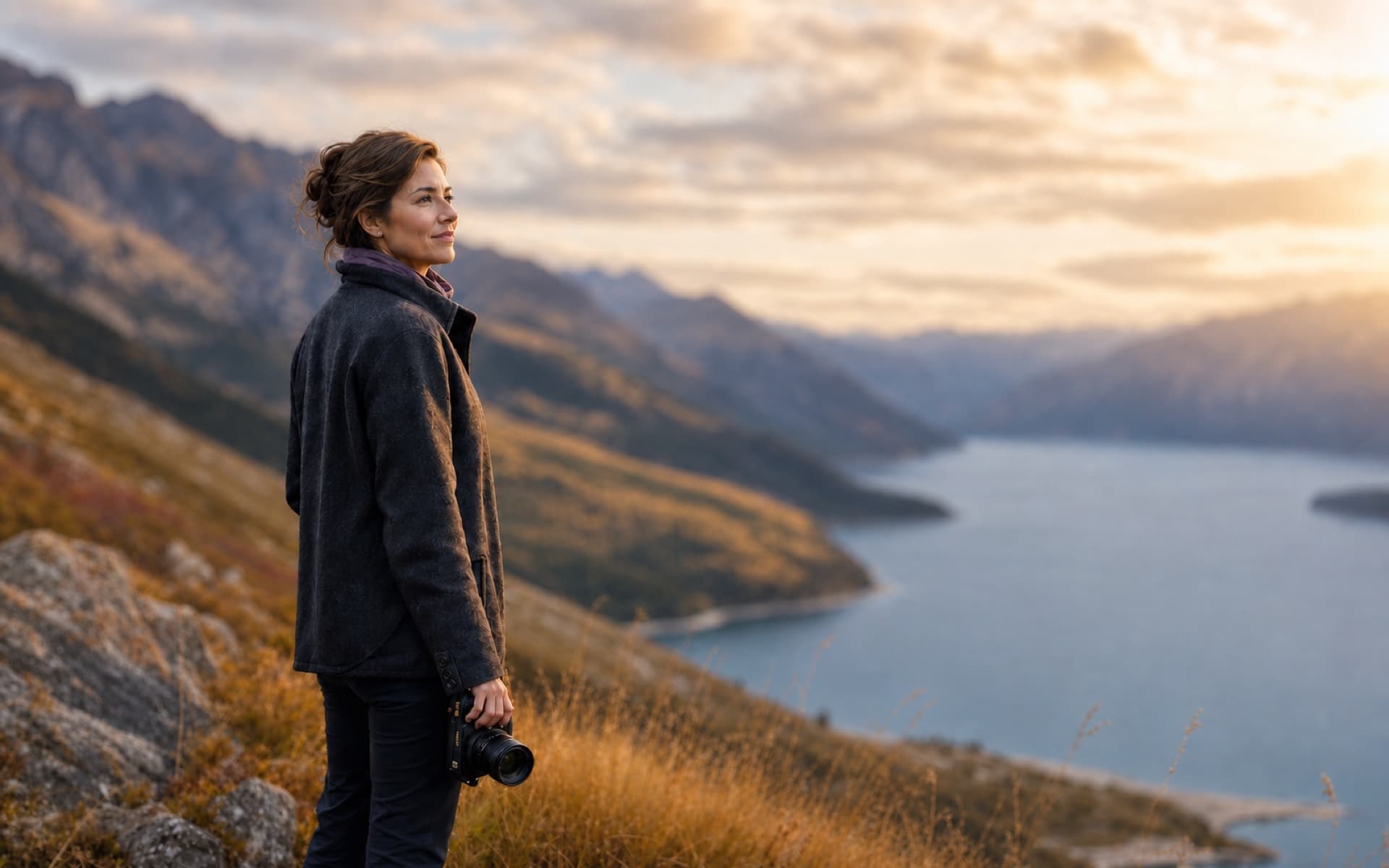
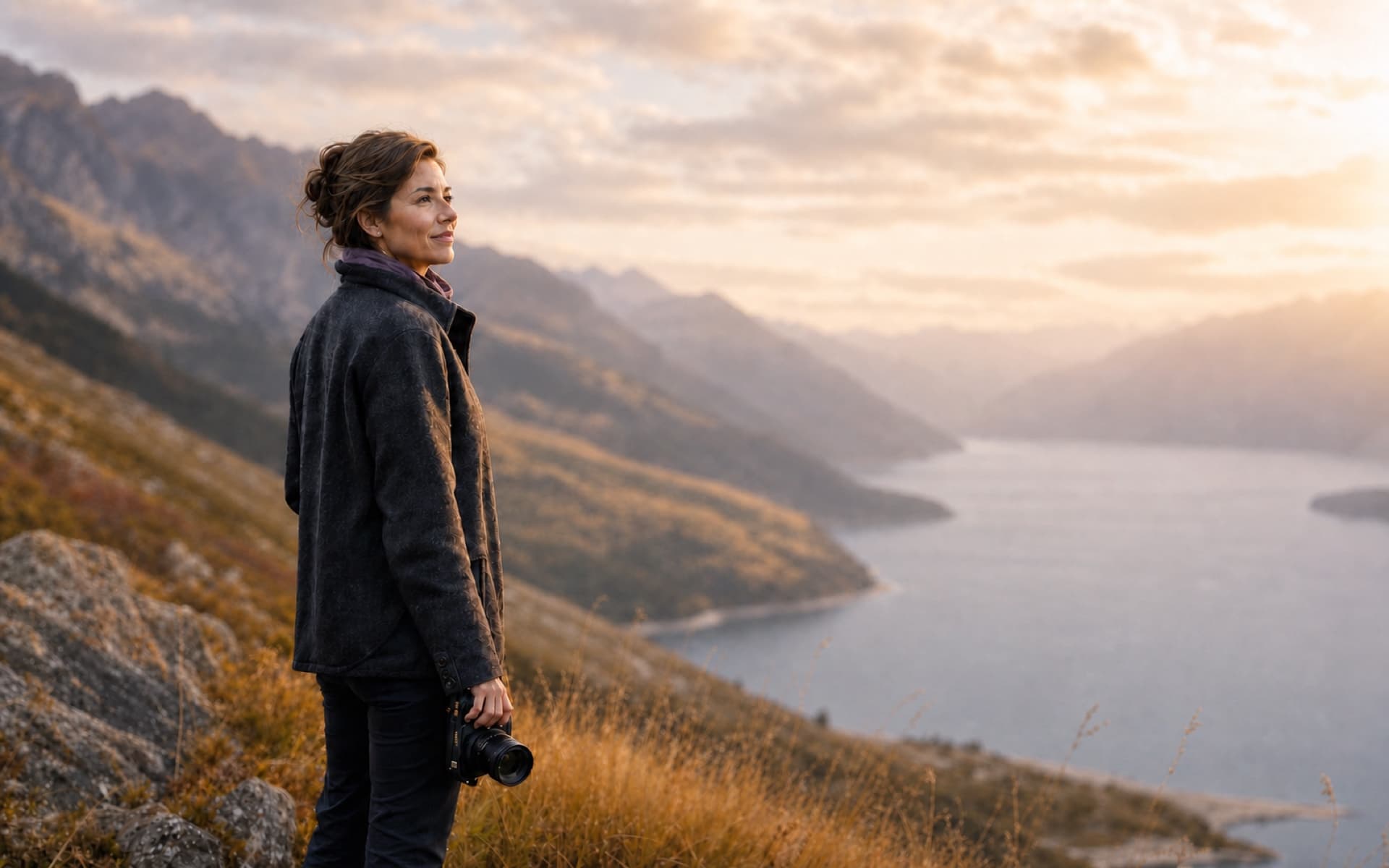
Select. Brush. Gone.
Pick the distraction, brush over it, and let AI rebuild the scene behind it - texture, light and all.
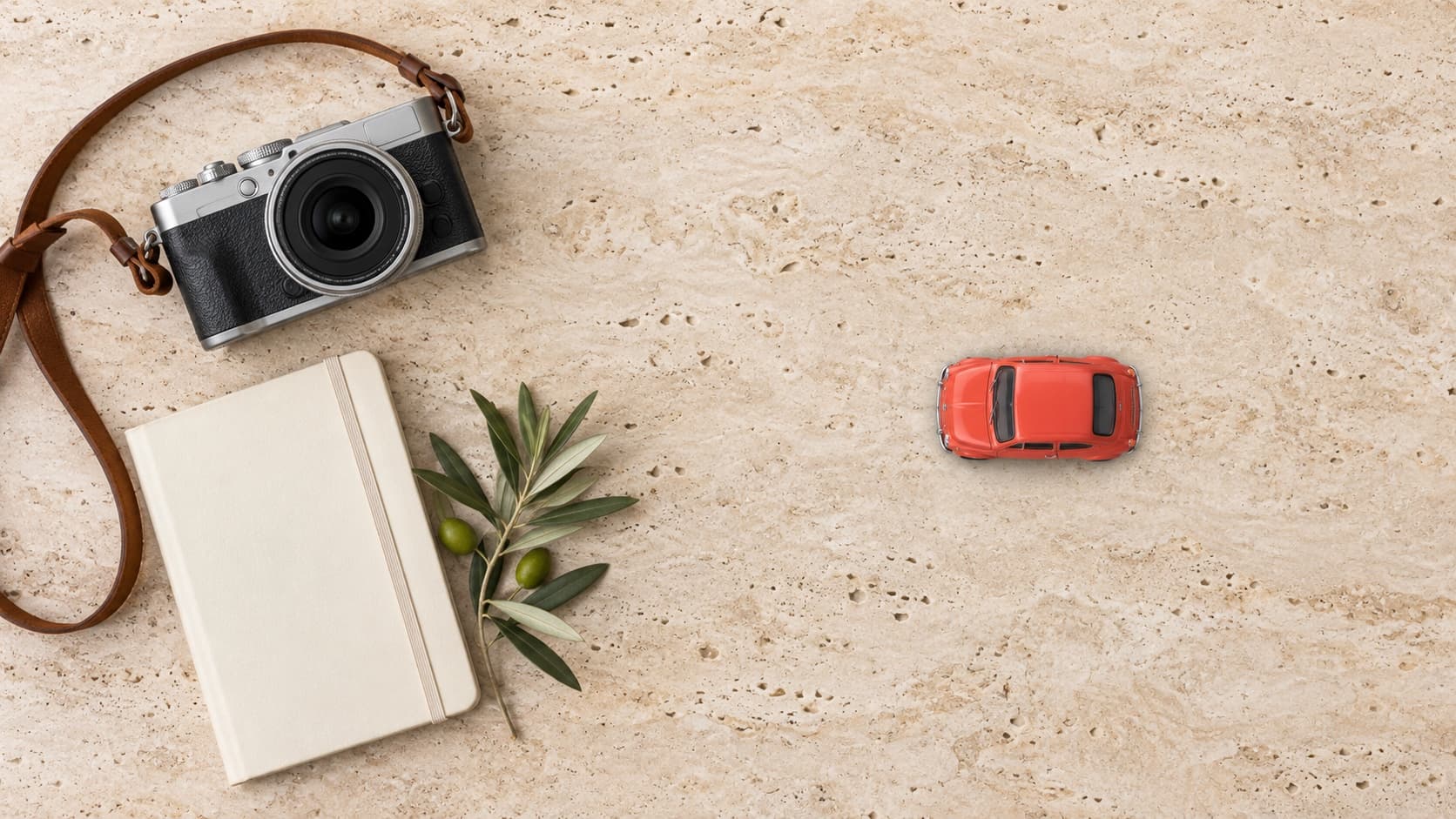
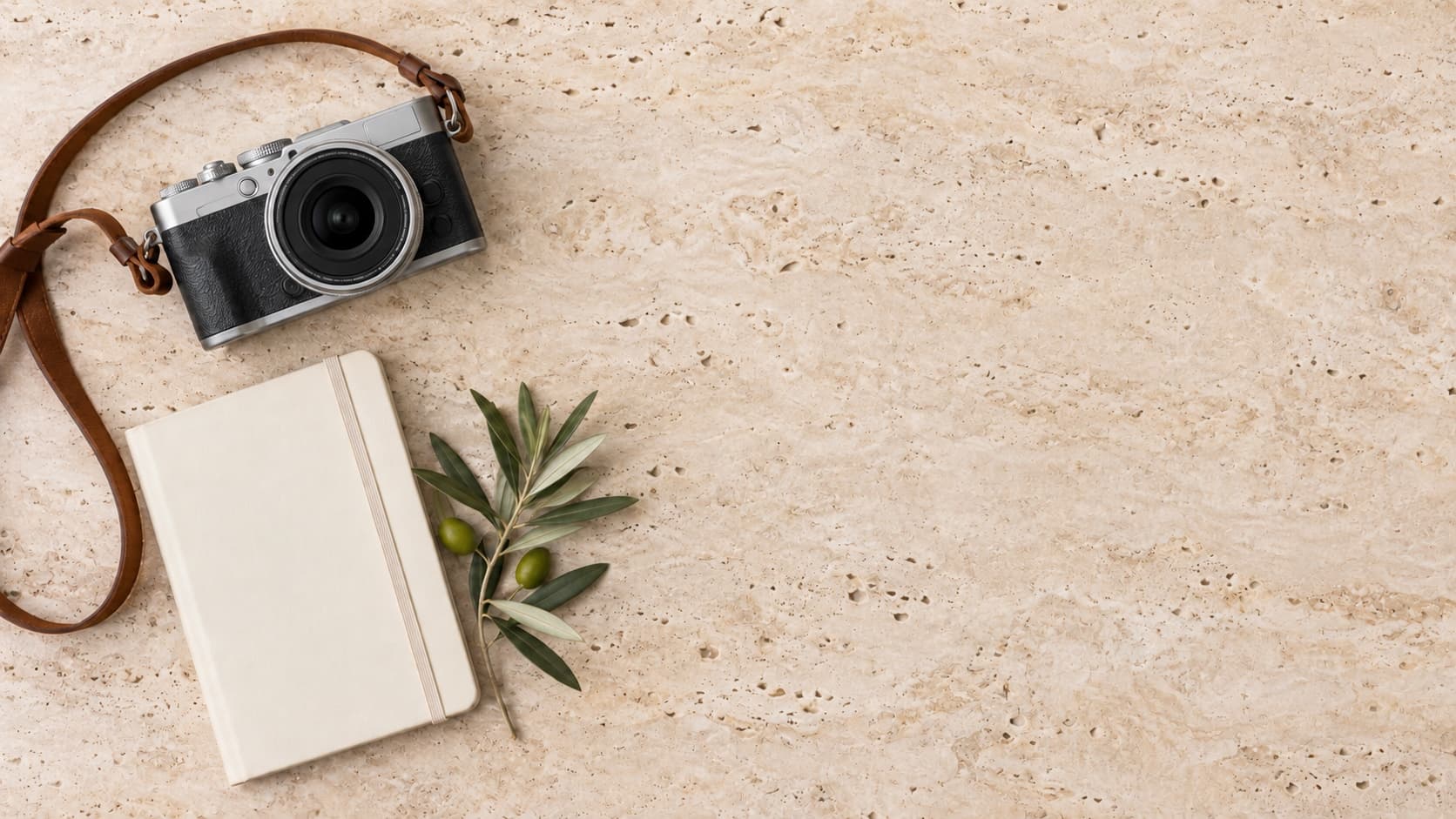
Imagine. Fill. Expand.
Paint in things that were never there. Stretch the canvas past the edge of the frame - and let AI finish the scene.

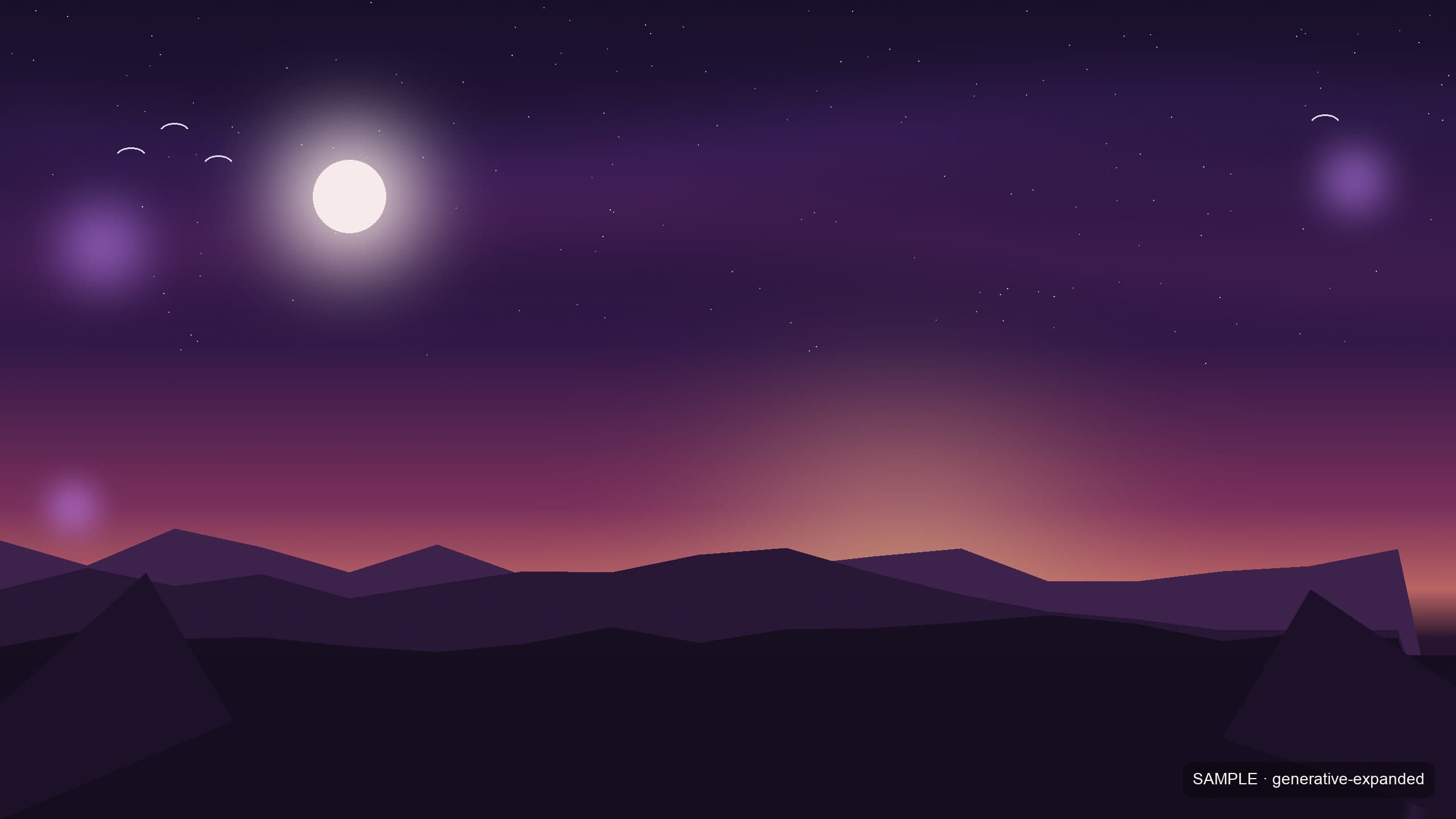
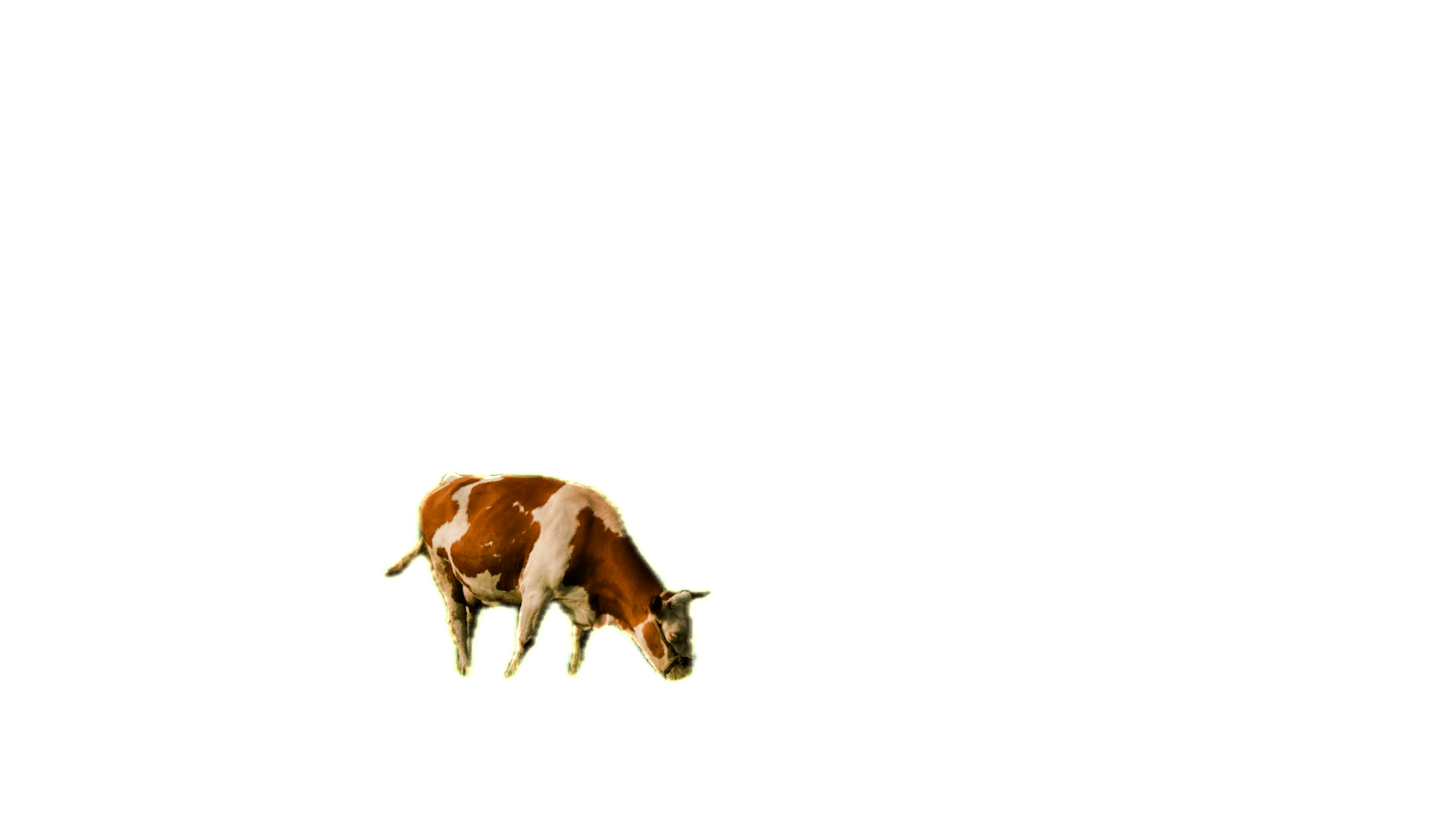
Scan. Separate. Transparent.
One pass finds the subject, keeps the fine edges, and leaves a clean transparent layer ready to design with.
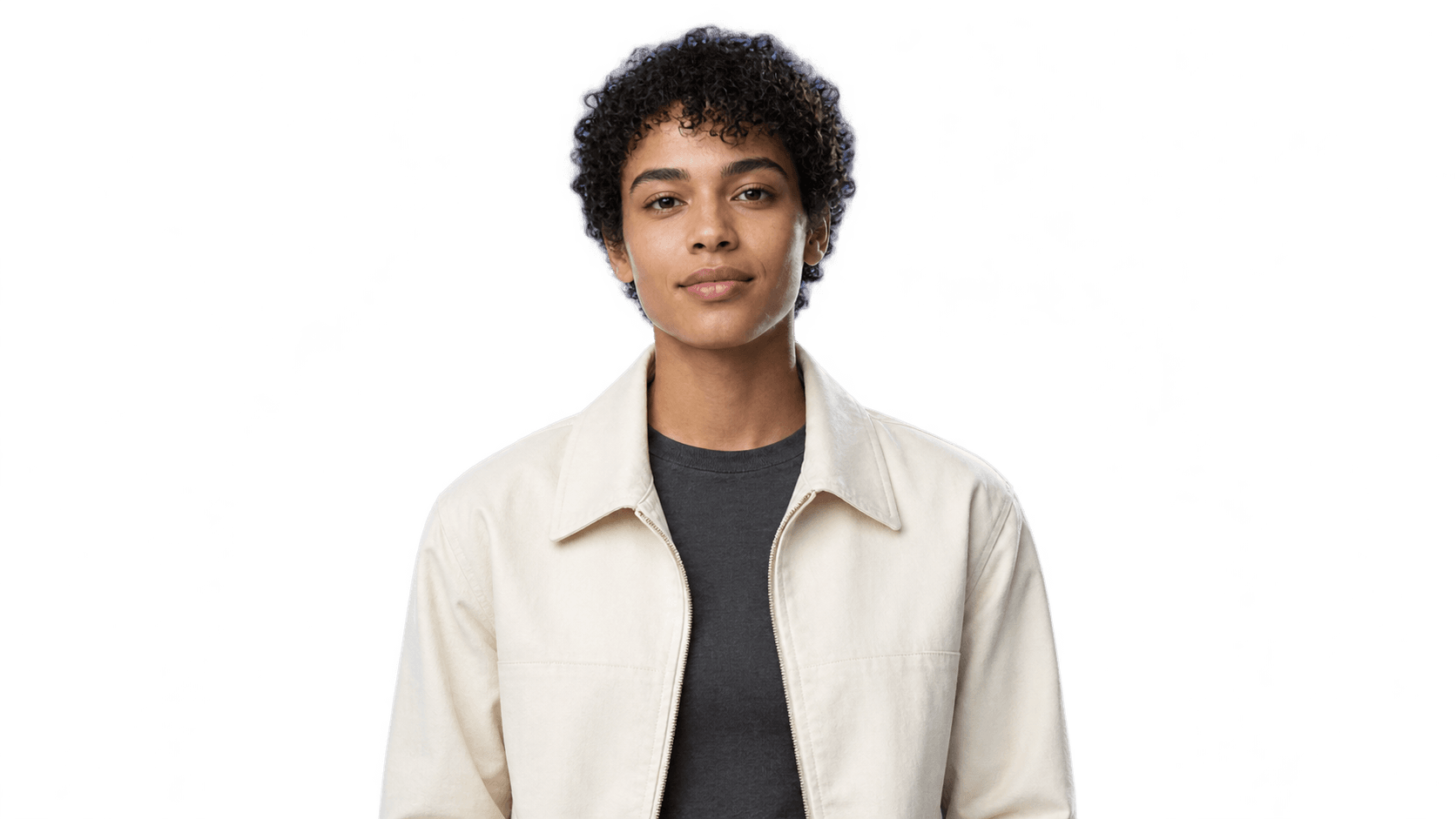
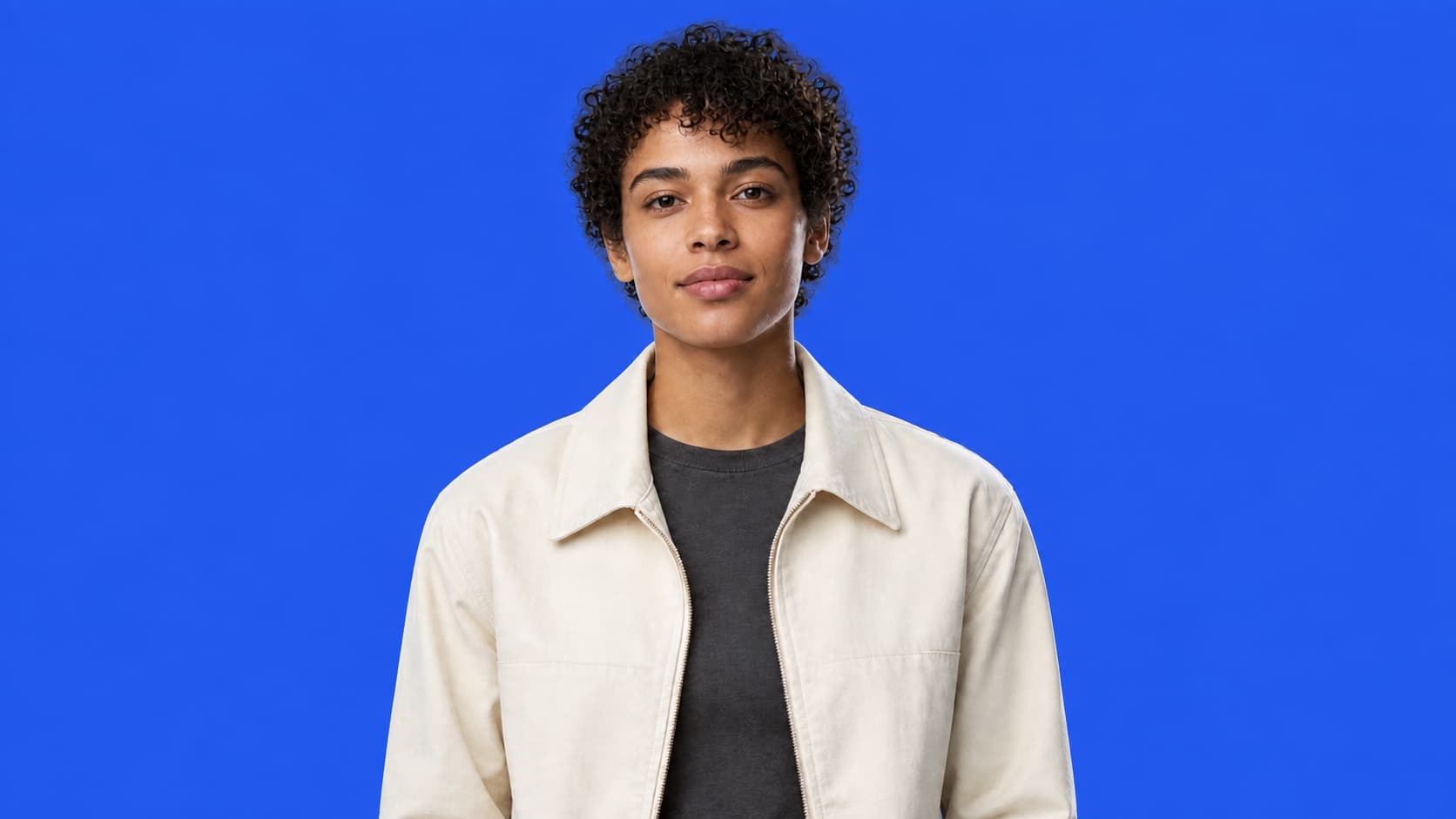
Select. Lift. Layer.
Lift the subject to its own layer, then place type behind it in one click.
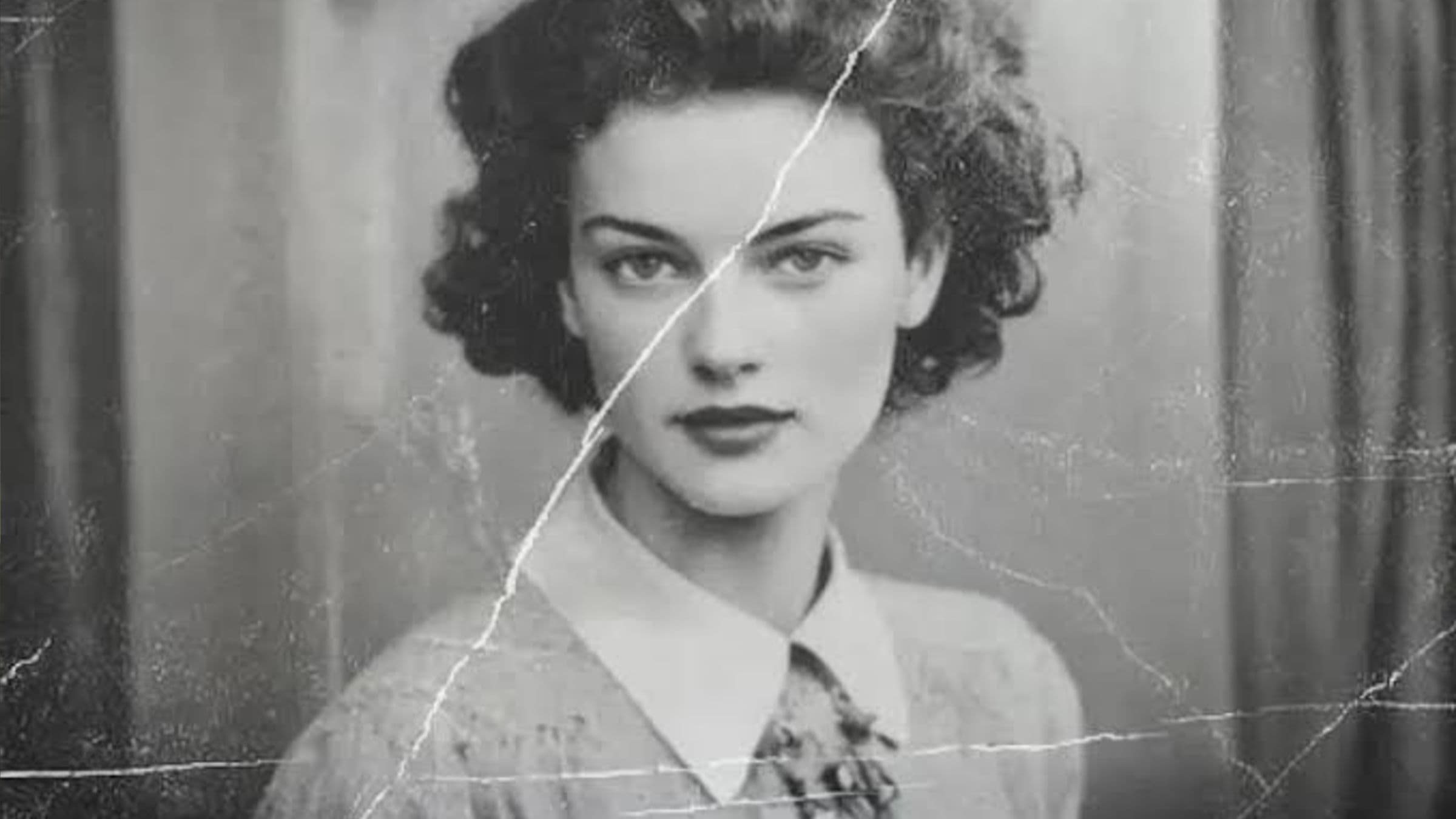
Old photos, brought back.
Repair scratches, restore faded colour and rebuild detail for larger prints.
- Up to 4×
- Descratch & repair
- Colorize B&W
 AfterBefore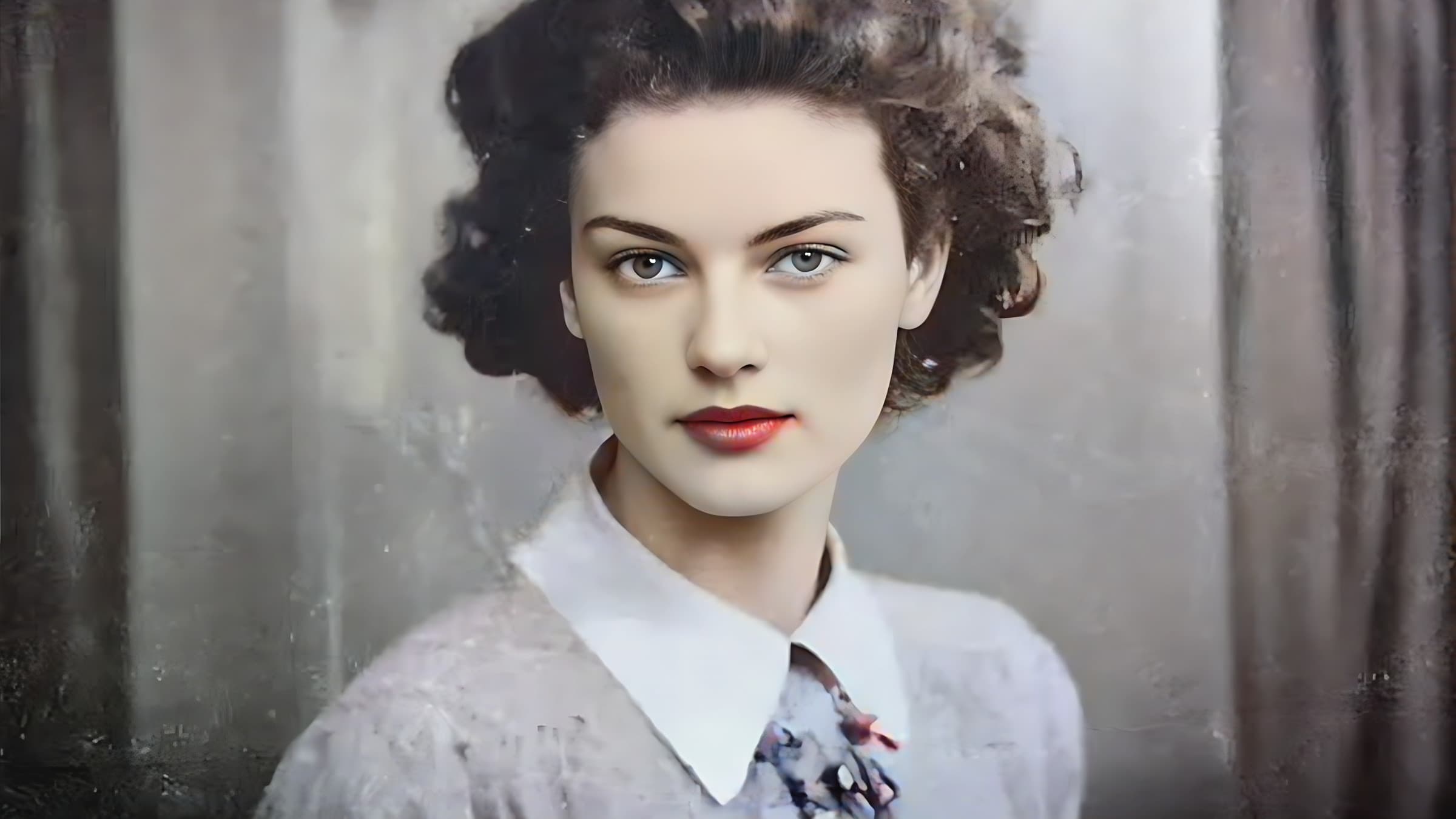
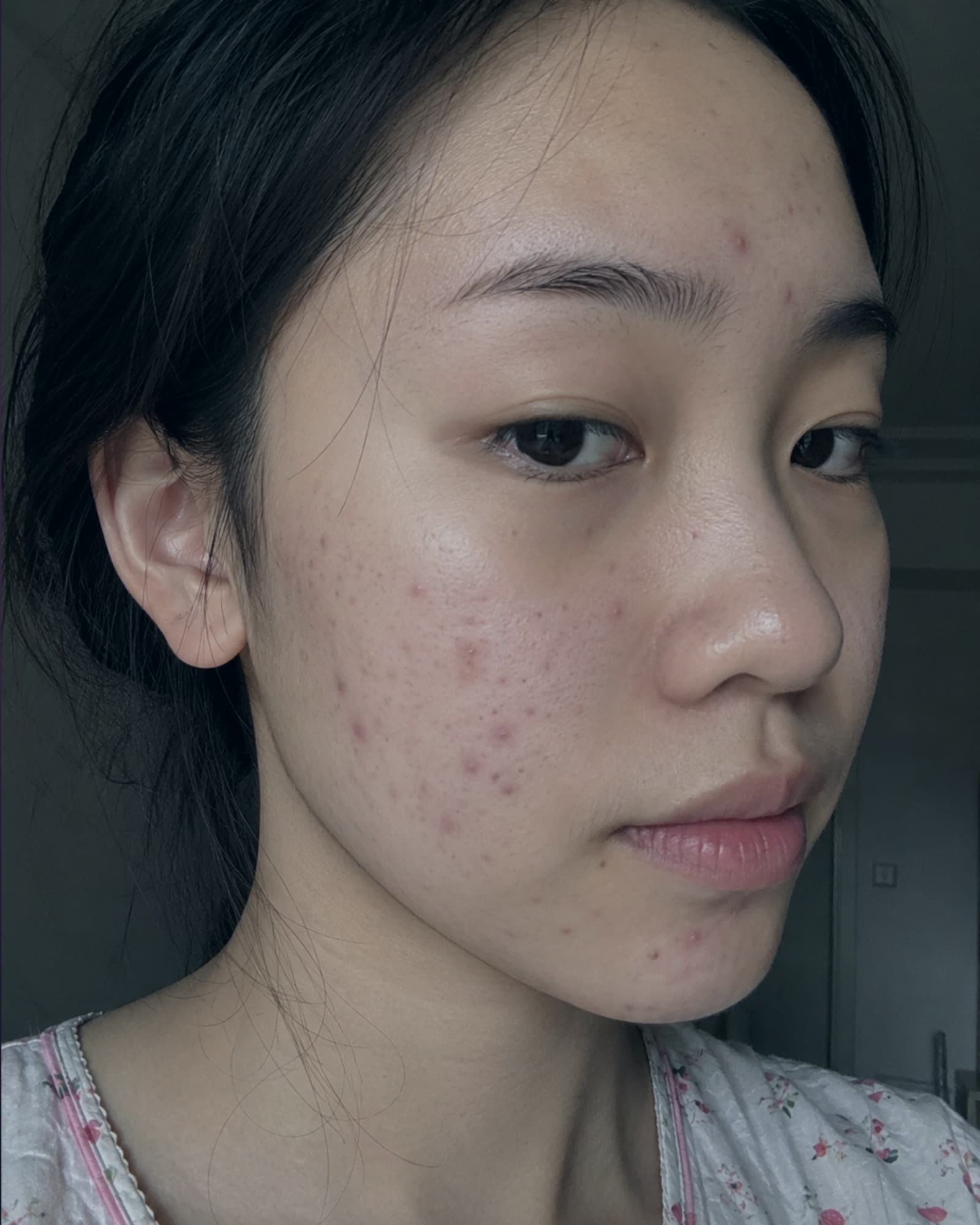
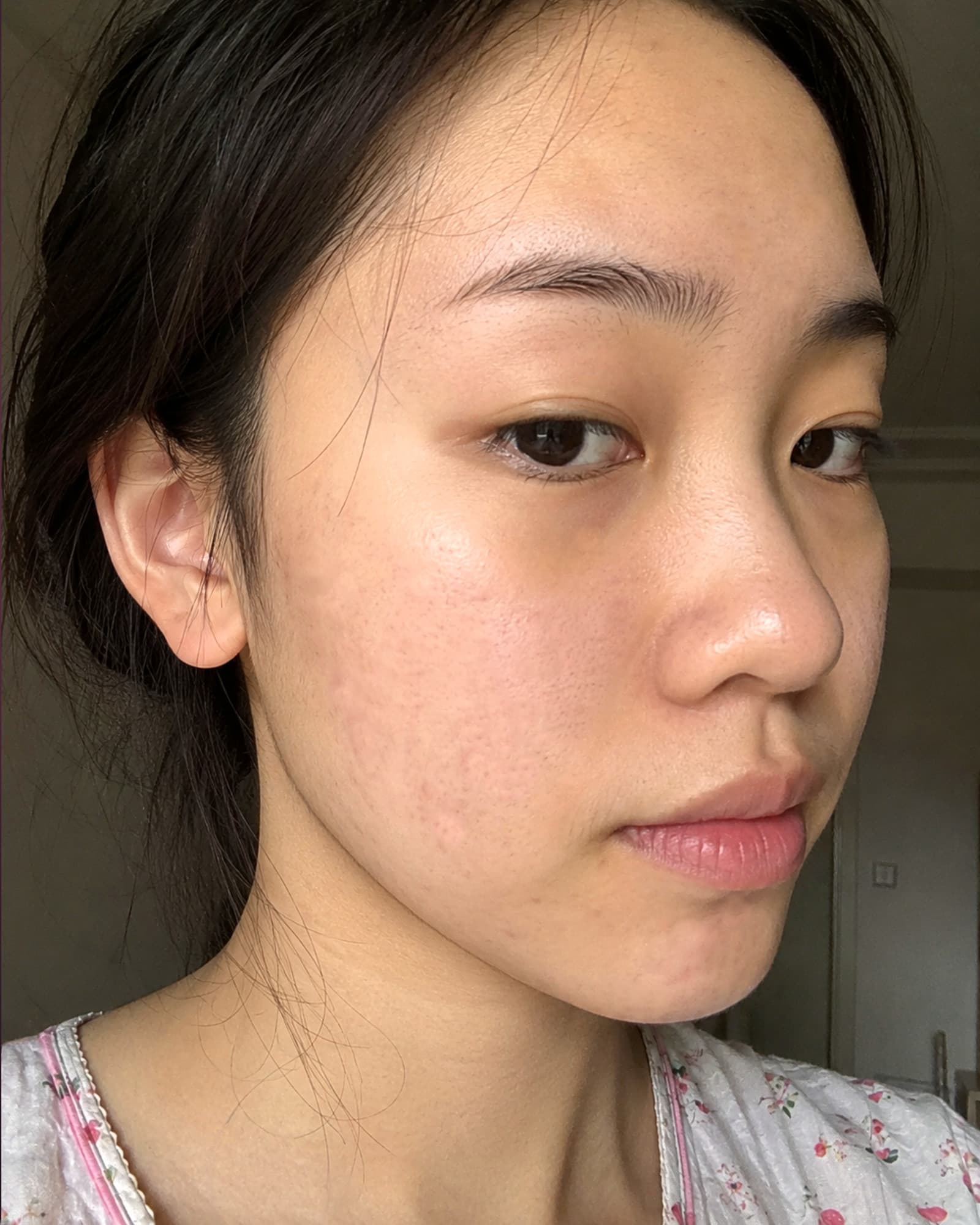
Their best look. Still them.
Smooth skin, brighten eyes and reshape gently with face-aware tools.
- Skin Smoothing
- Eyes & Teeth
- Face-aware Liquify
Many photos. One story.
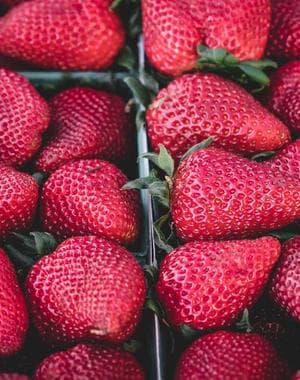
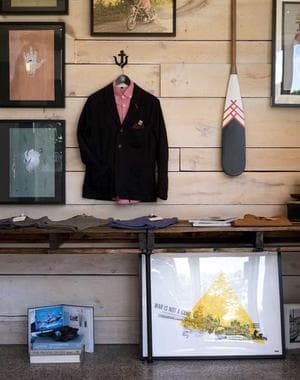
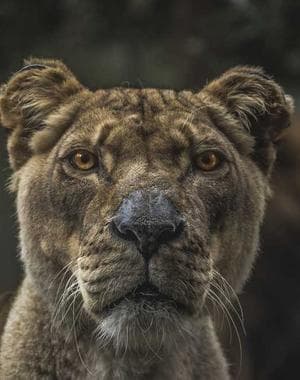
Drop photos into a layout, then crop, pan and tune spacing in each cell.
- Designer layouts
- Per-cell crop & pan
- Any ratio



AI that runs on your own machine.
Most AI runs on your device. Cloud tools like AI Studio send only what is needed - deleted after, never used for training.
On-device AIPrivate by defaultWorks offline
Drag the handle. See the work.
Drag the divider to compare the original with the finished edit.

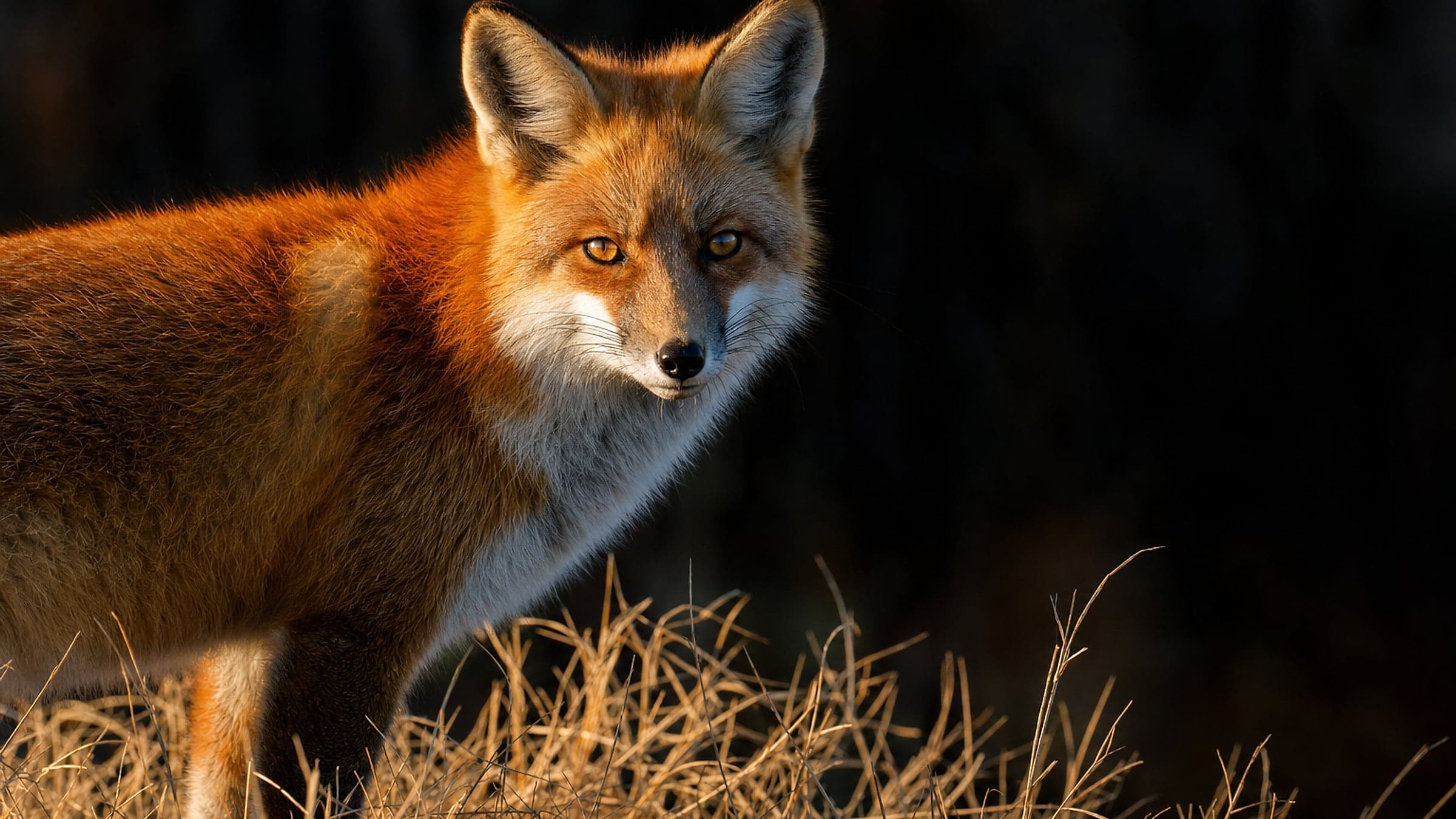
The damaged original on the right, detail recovered on the left. Runs on your own machine.
Magic Layer
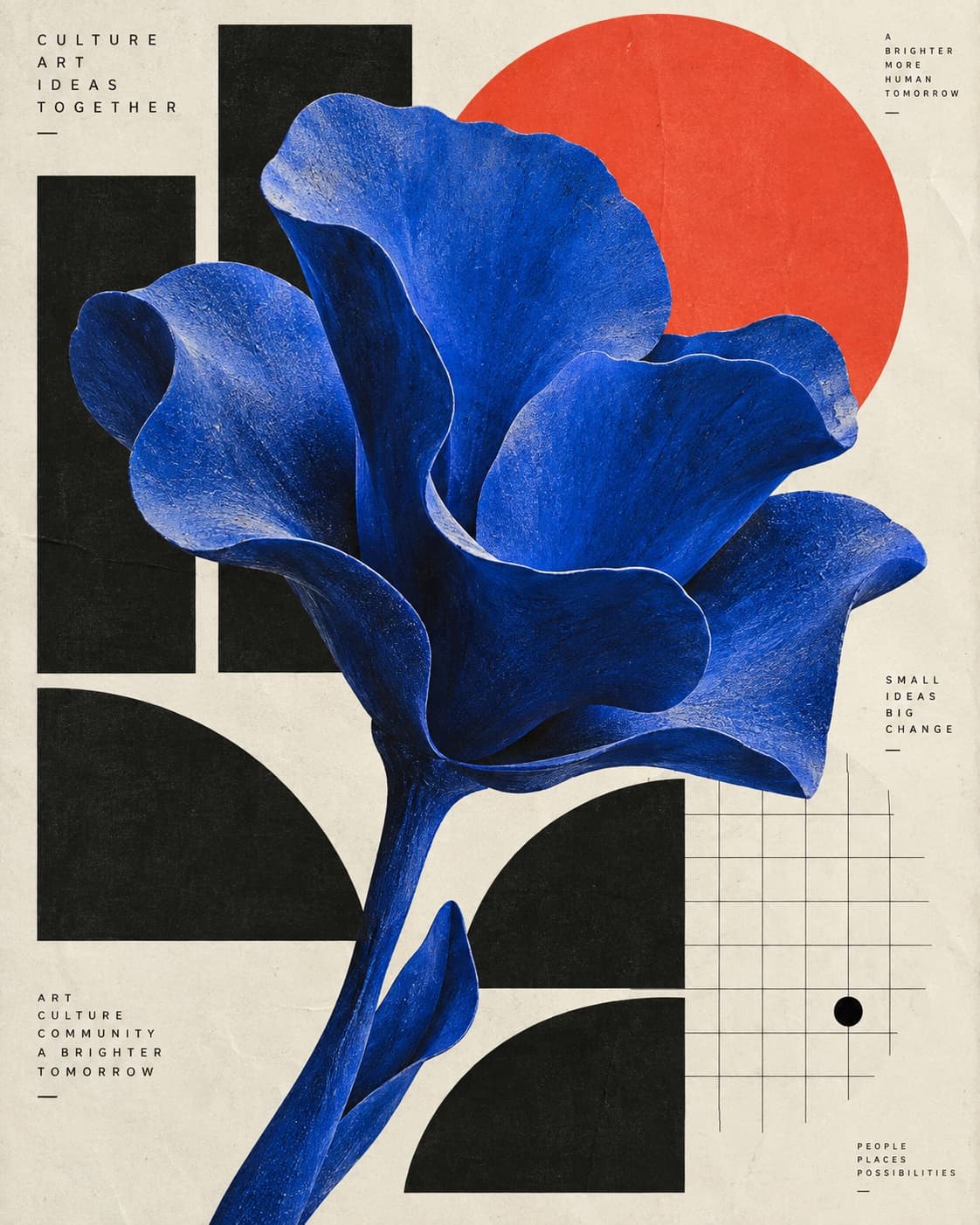
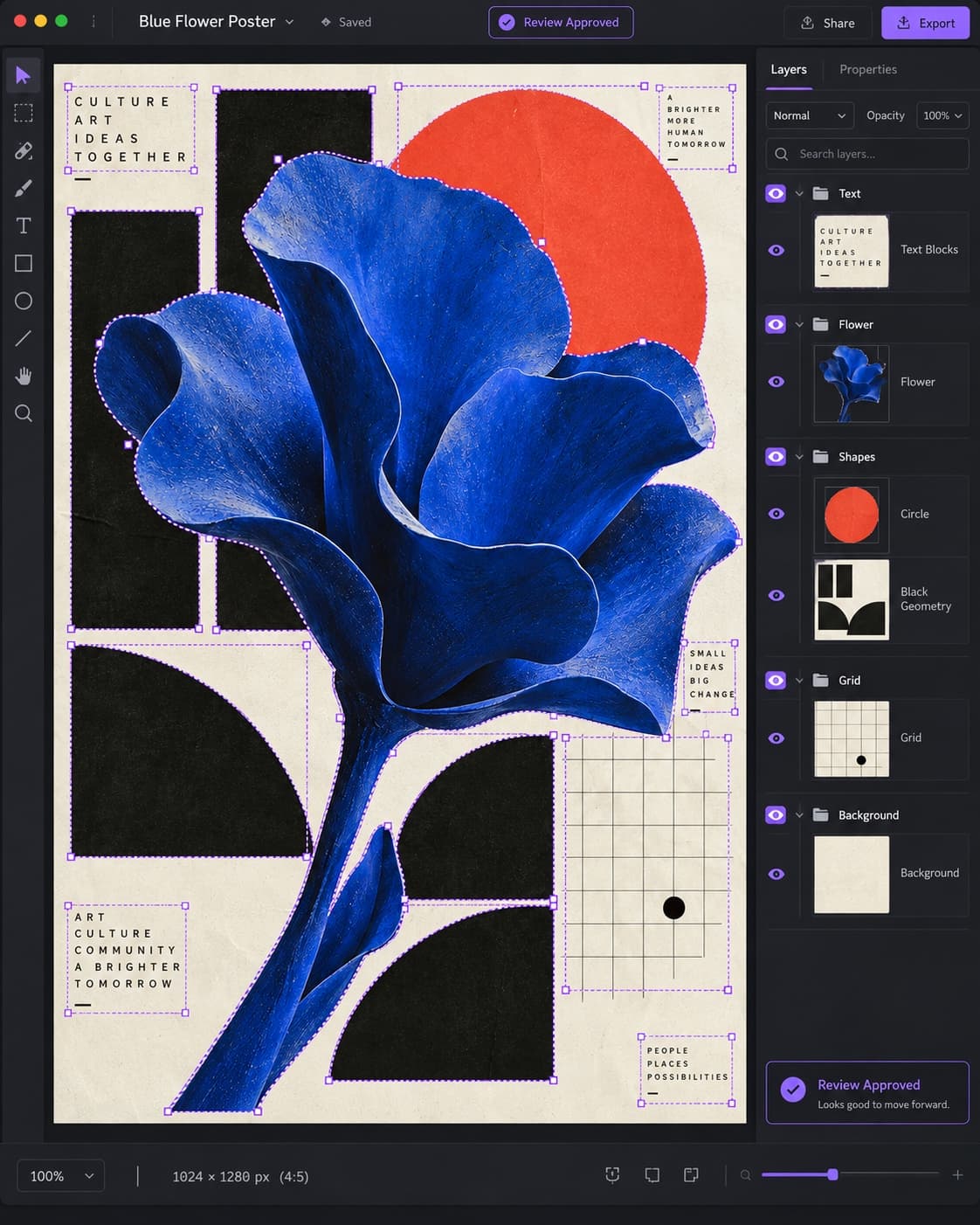
Turn a flat image back into something you can edit.
Review the structure, then split text, objects and background into editable layers in one undoable step.
And much more
The pro toolkit keeps going.
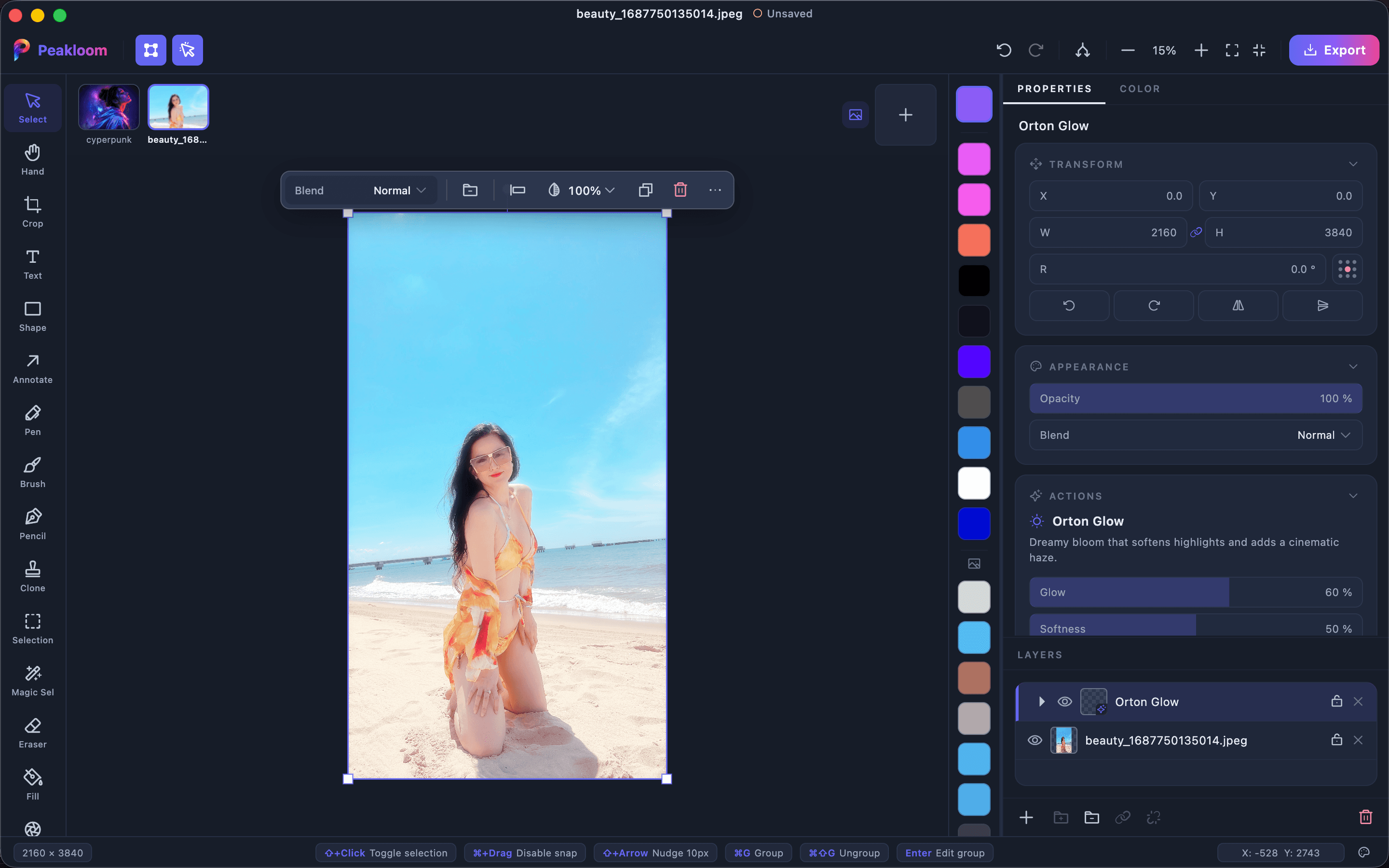
One-tap Looks
Orton Glow, Cinematic Grade, HDR Clarity and more - full color recipes, fully non-destructive, with live sliders when you want control.
Magic Selection
Magic Wand, quick brush selection, add and subtract - refine any selection until it is exactly right.
Photoshop blend modes
Linear Light, Vivid Light, Hard Mix and more - GPU-rendered, faithful to the originals.
Curves & Levels
Full tonal control per channel, Lightroom-style.
LUTs & .cube import
Import any .cube LUT, save your own looks, grade like a colorist.
Layer effects & materials
Shadows, glows, bevels, strokes - plus metal, glass and texture surface finishes.
PSD import
Bring layered Photoshop files across with layers, text and blend modes intact.
Pen tool & text on path
True bezier paths - and text or images that flow along any curve.
Clone Stamp
Classic source-and-paint retouching with aligned and free modes.
Frame masks
Drag a photo into any shape and it clips itself - Canva-style, fully editable.
Multi-page documents
Add, duplicate and reorder pages while keeping one editable project.
QR codes & barcodes
Generate codes as clean vector paths that remain sharp at any size.
Live histogram
Read luminance and colour channels while you grade.
Auto-blend layers
Align and merge overlapping frames into a seamless panorama.
Charts
Turn your data into editable bar, line, area and pie charts.
Stickers
Add, customise and layer vector stickers that stay sharp at any size.
Pro export
PSD, SVG and PNG, JPG, TIFF, AVIF, HEIC at 0.5×-3× scales - plus a native .peakloom format with Finder previews.
Unlimited layers. 50 steps of undo. Non-destructive everywhere.
A whole grading suite, not a row of filters.
Apply built-in Looks and film LUTs without baking changes into the image.
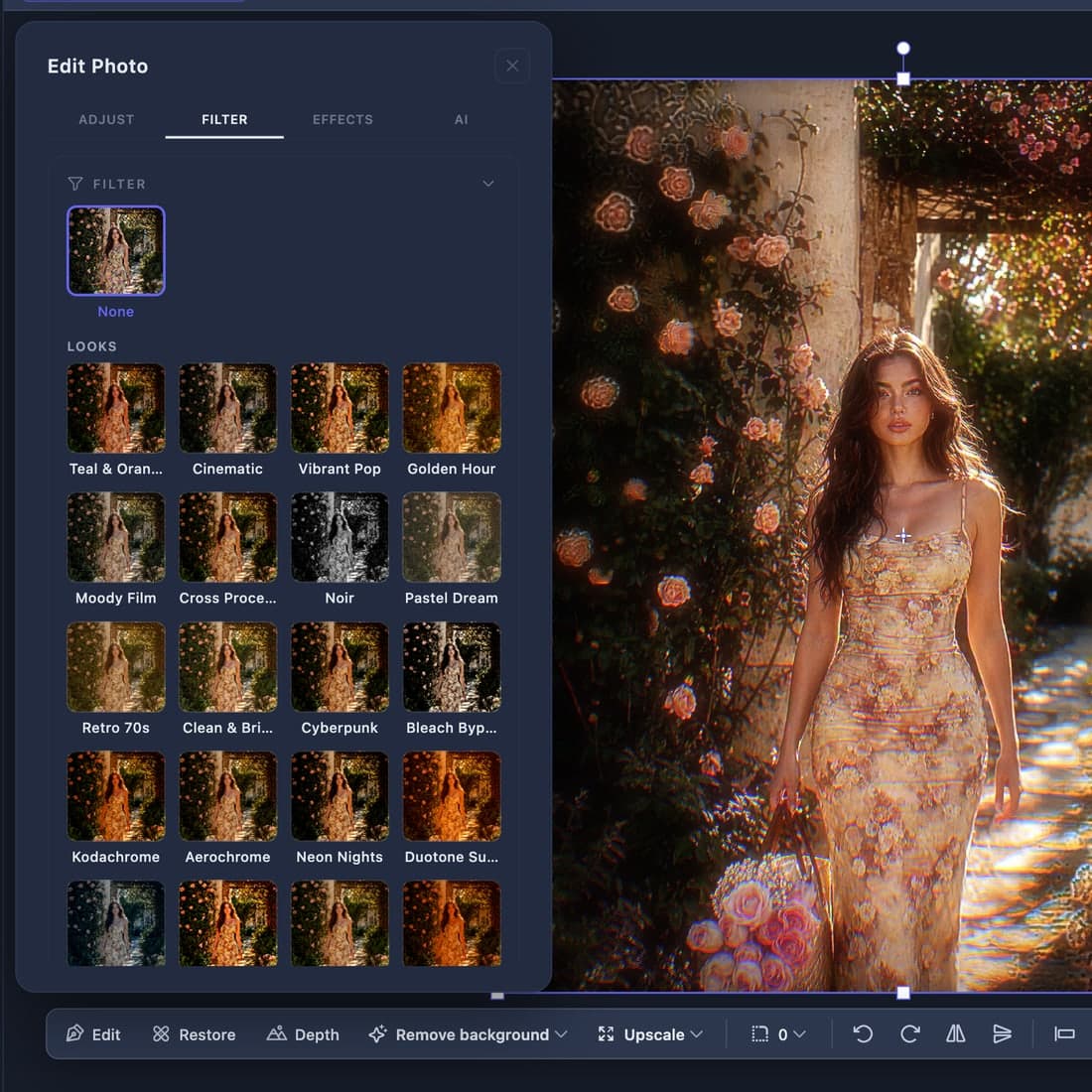
A Look is not a filter
A Look keeps every colour adjustment editable. A LUT is fixed and gives you one strength control.
Import your own .cube files and they sit alongside the built-in ones.
Bring your Lightroom library
Import .xmp, .lrtemplate, .zip or preset folders into a separate Imported library.
The controls behind the look
Keep grading, Black & White, calibration, texture, haze, vignette and grain controls live after applying a preset.
Three workspaces most photo editors don't have.
Dedicated workspaces remove the repeated setup from store artwork.
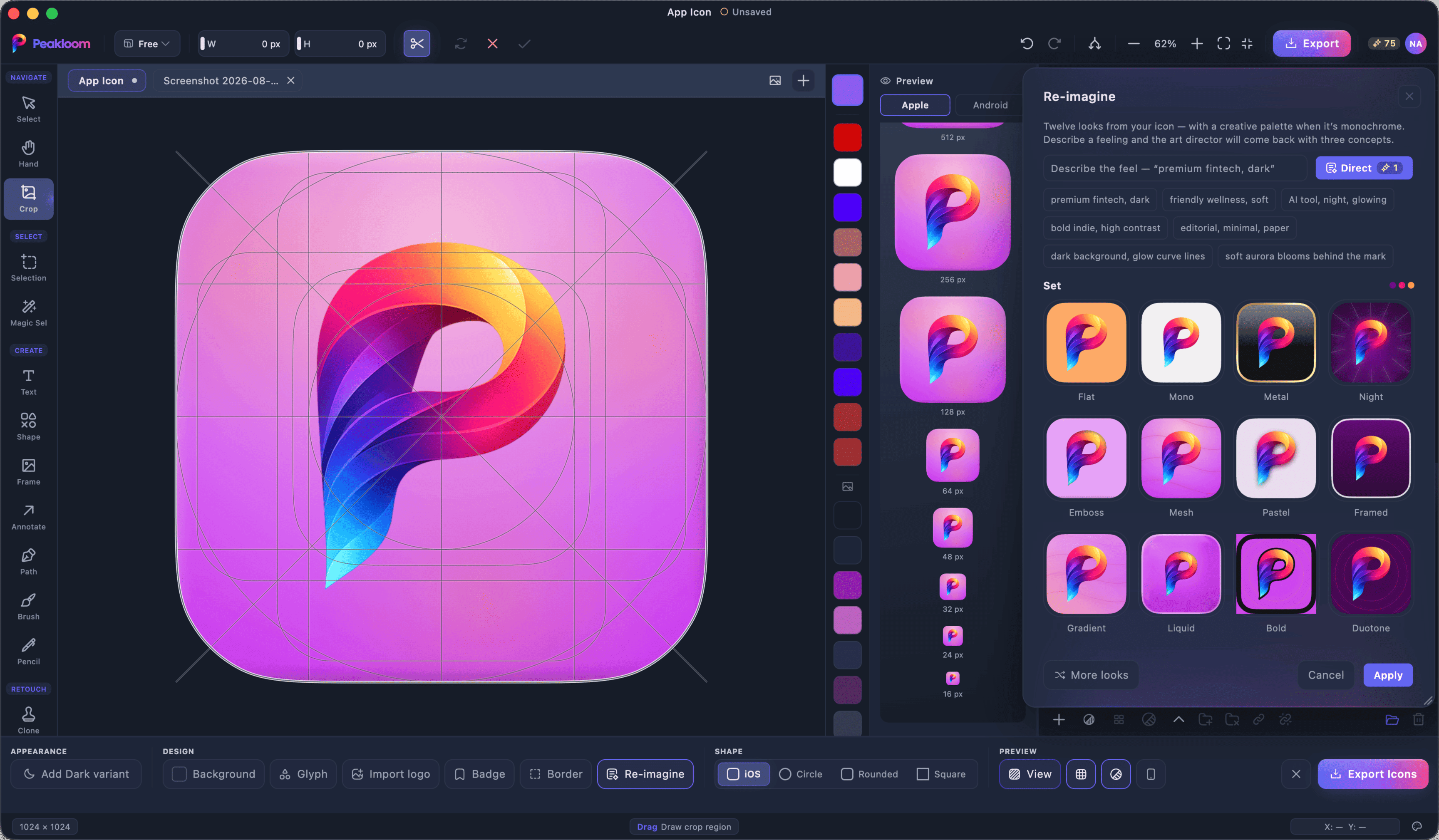
Design the icon, export every size.
A 1024×1024 canvas with the keyline grid on top, and a preview column that tells you the truth about small sizes.
- The preview dock draws 128, 64, 48, 32, 24 and 16 px at true 1:1, so you find out your glyph is unreadable before the store does.
- See it on a real iPhone, Mac and Android home screen, not floating on a swatch.
- Exports an AppIcon.appiconset with its Contents.json, an .icns for macOS, the full Android density set, and favicon.ico plus a web manifest.
- iOS squircle, circle, rounded and square masks, an appearance-aware dark variant, and an Android safe-zone check before you export.
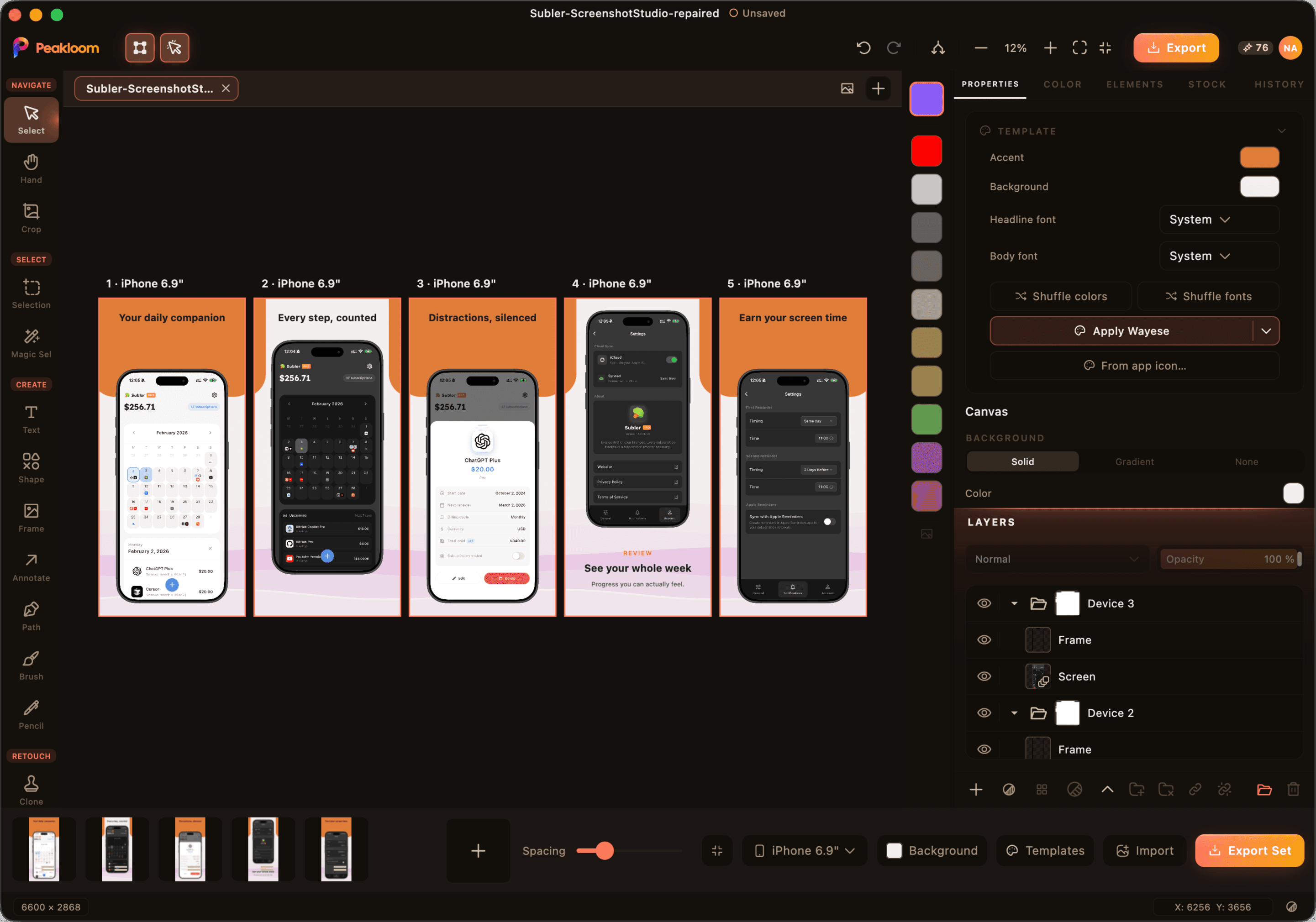
Store screenshots, art-directed.
Drop your app screens in, pick a template, and get an upload-ready set in every size the store asks for.
- 25 store size targets - iPhone 6.9", 6.5", 6.3" and 6.1", five iPad sizes and Apple Watch in portrait and landscape, Android phone, and four Mac App Store sizes.
- Device frames are drawn as vectors, not bitmaps, so they stay sharp at any canvas scale. Up to ten panels on one canvas.
- Twenty designed templates with their own type pairing and palette. Shuffle the colours, or pull them from your app icon.
- Exports into correctly named folders - iPhone-6.9, iPad-13-Landscape - so the upload is drag and drop.
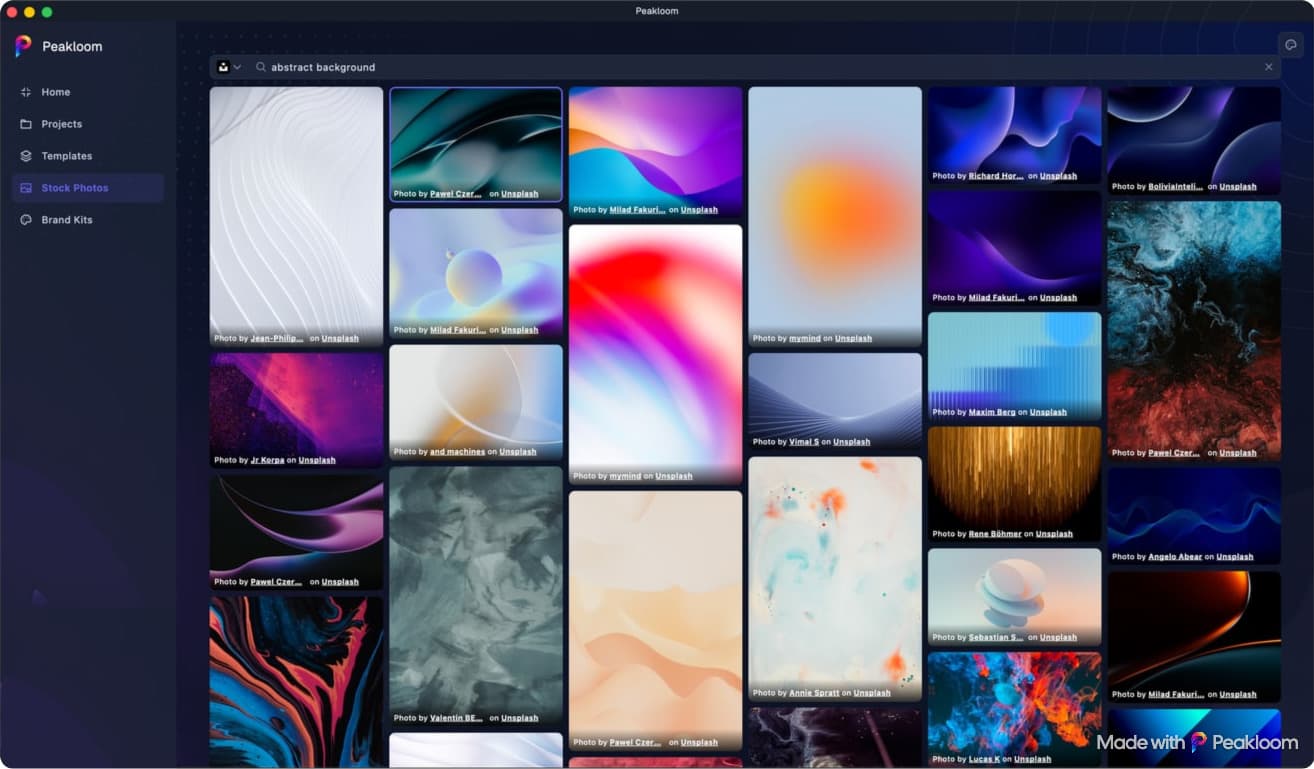
Free photography, already inside.
Search Pexels, Unsplash and Pixabay from the Start Hub and drop a result straight onto the canvas.
- Three providers behind one search field, with your recent searches kept and an infinite masonry grid.
- Click a photo and it lands on the canvas as a layer. No download folder, no re-import.
- The photographer's credit is on every tile and stays clickable, because that is what the providers' terms require - not something you have to remember.
Opens your files. Writes them back.
Open PSD and RAW, keep edits live and export in the format the next tool needs.
Open
What comes in.
- PSD
- RAW
- PNG
- JPG
- TIFF
- HEIC
- AVIF
- .peakloom
Edit
What stays live.
- Adjustment layers
- Layer effects
- Masks and frames
- Smart objects
- Warp and Liquify
- Multi-page
- History
Export
What you hand off.
- PNG
- JPG
- TIFF
- HEIC
- AVIF
- SVG
- PSD
- MP4
- ICNS
- ICO
Community
Publish the work. Follow the people behind it.
Browse single or multi-page work from selected creators and follow them. Creators can apply to publish their own work.

You never start from a blank canvas.
Start with templates, elements and film grades, or begin with an empty canvas.
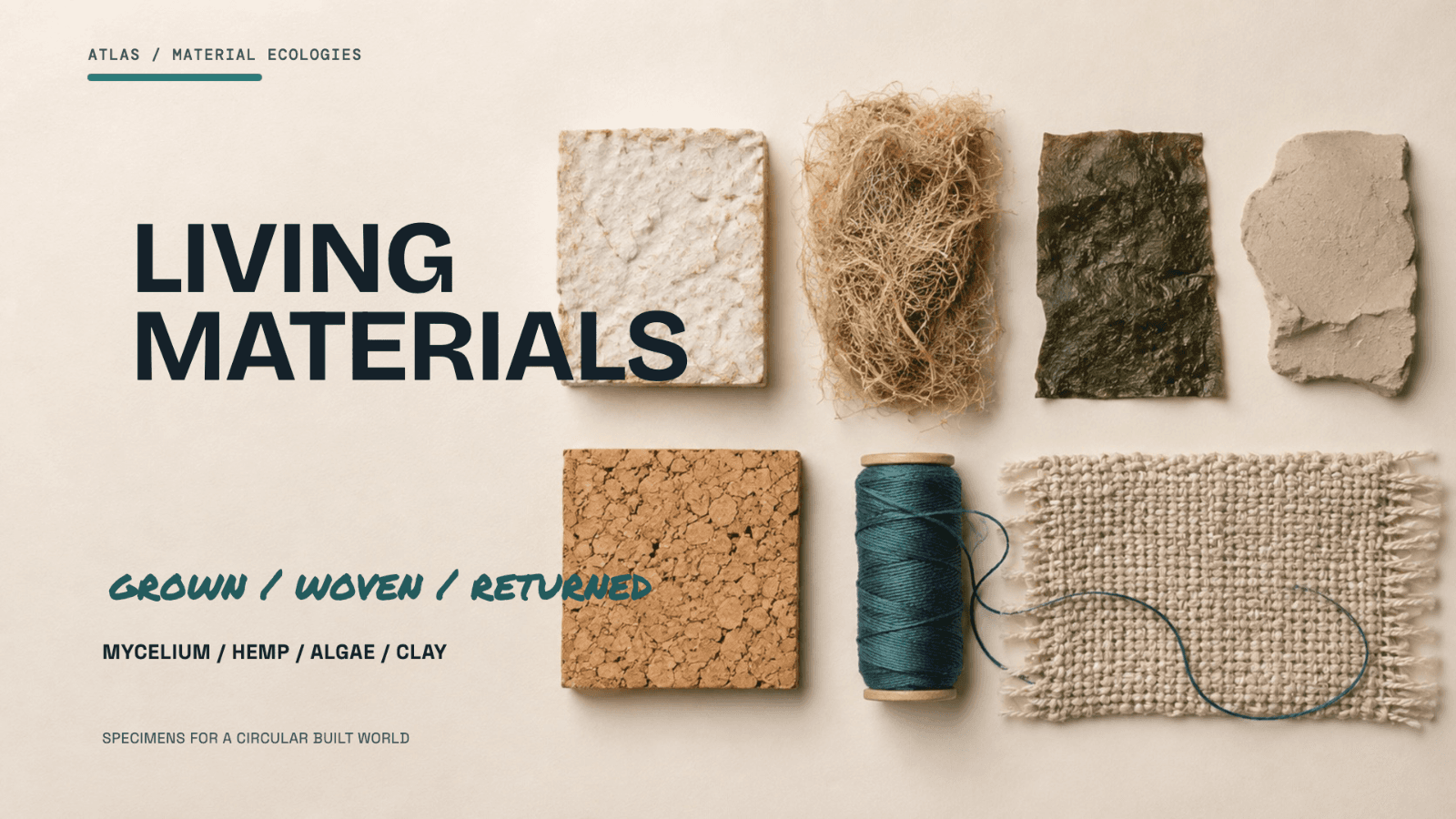
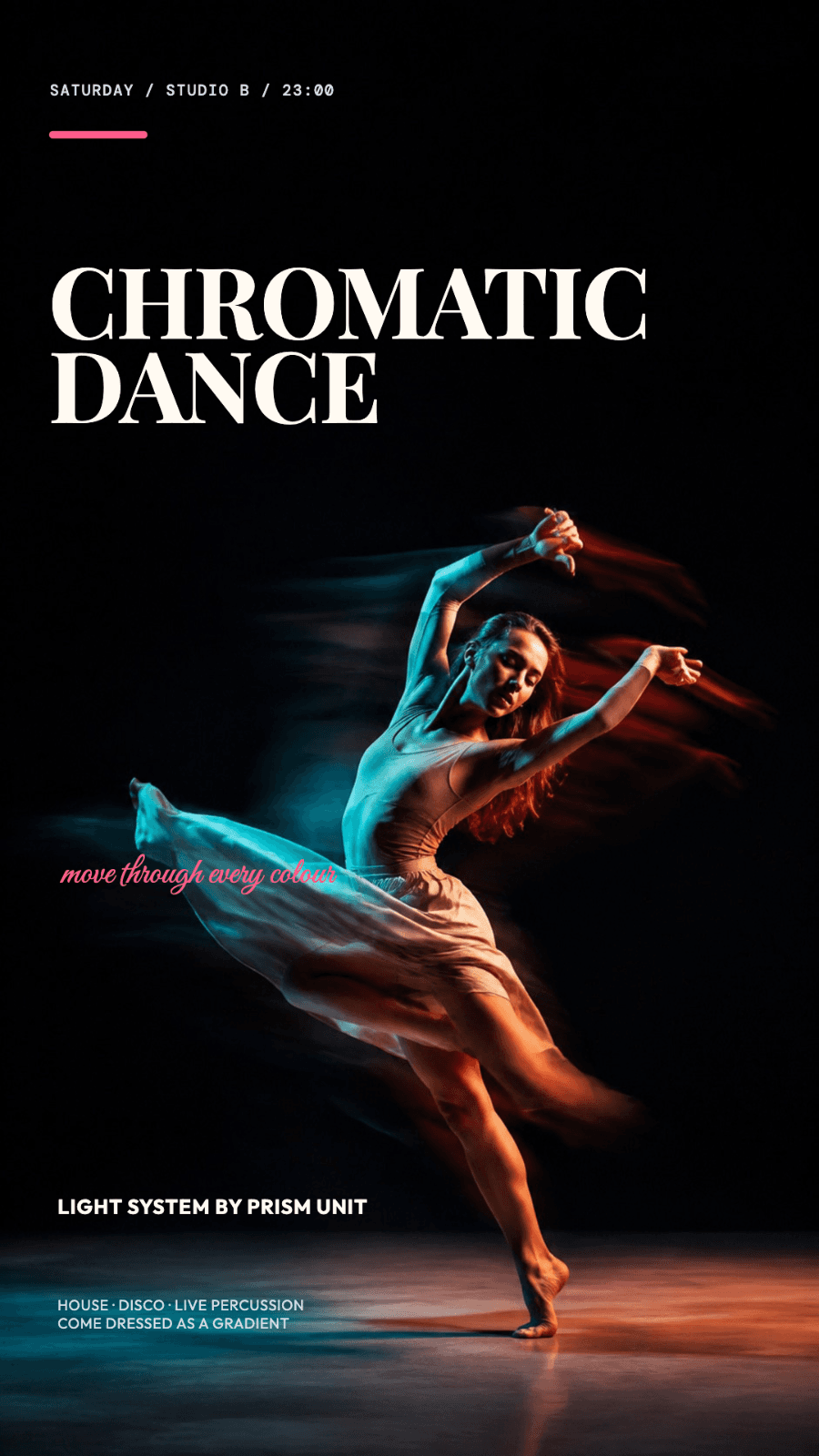

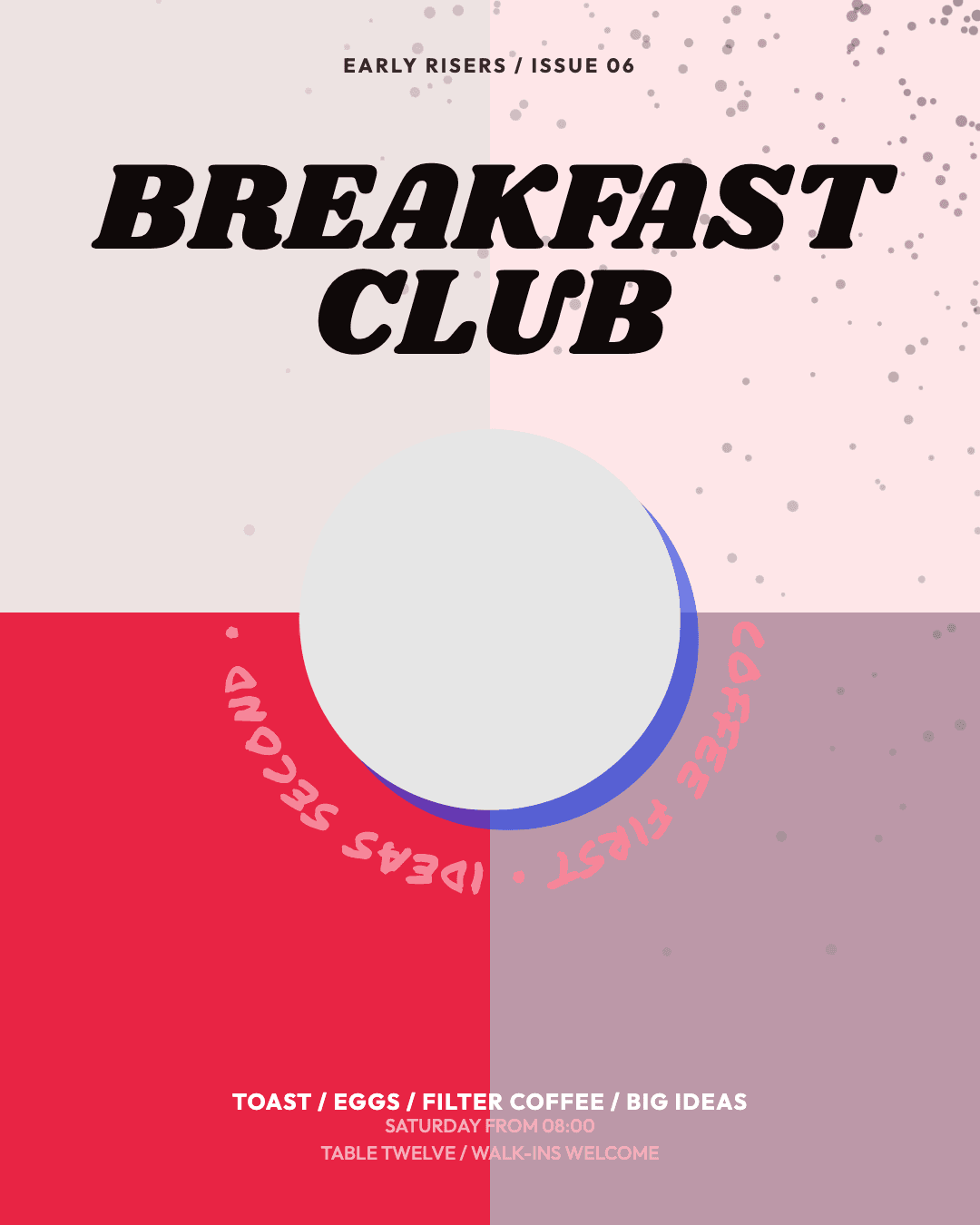






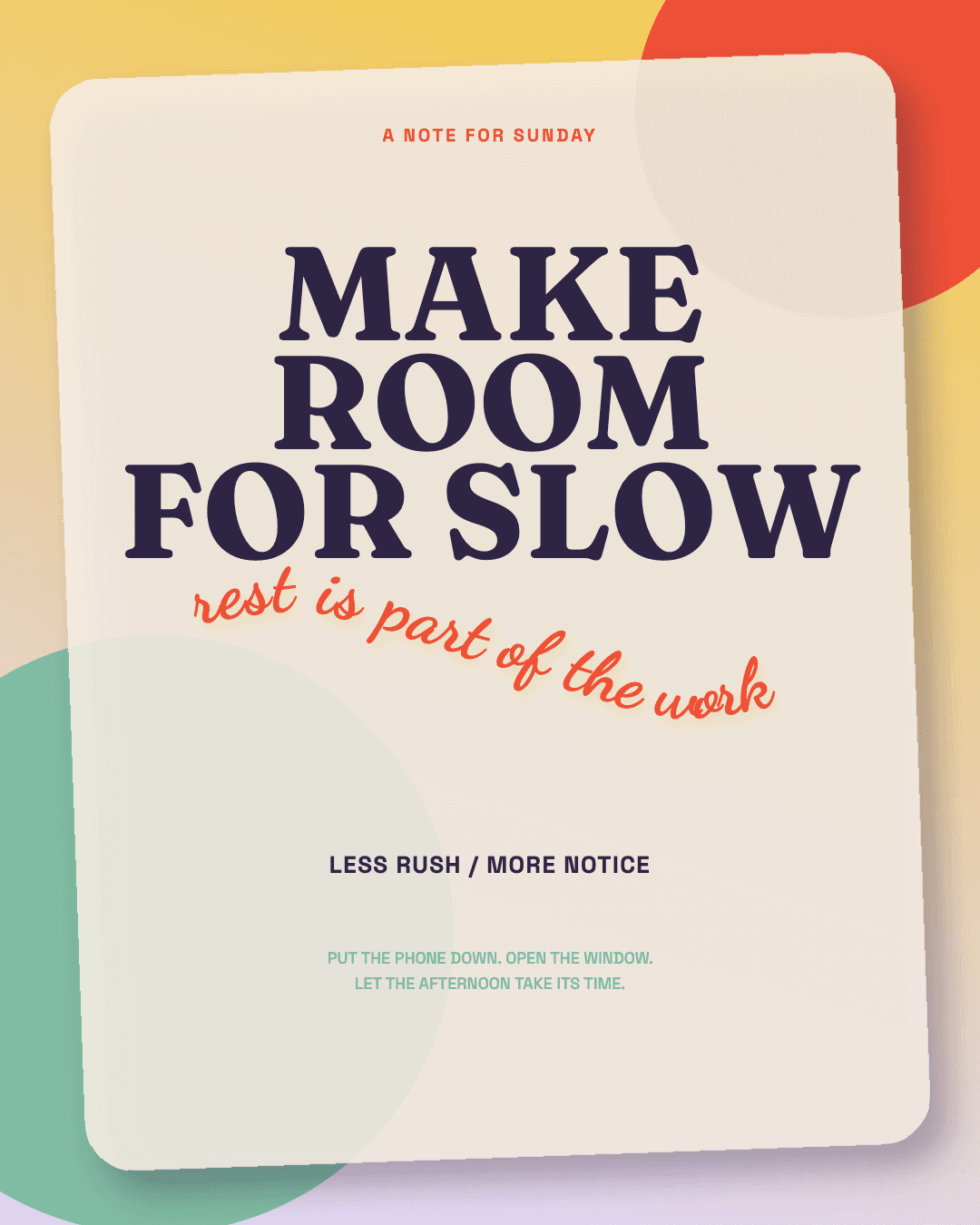
Google Fonts browser built inStock photos without leaving the appBrand kits for logo, palette and type
Build the recipe once. Run the folder.
Build a step-by-step recipe, preview it on a queued file and run it locally without AI credits.


Order is part of the recipe
Drag steps into order. Resize then remove a background, or reverse it, and see the difference.
See it before you commit
Preview the real pipeline on a queued file while you tune it.
Recipes travel
Save recipes, reuse them or share clean JSON without local output paths.
One bad file doesn't end the run
Failed files get a reason while the queue continues. Stop anytime without losing completed output.
Batch stays local and credit-free. Use MCP when an agent needs to edit the open document.
See agent automationMCP Connection
Connect your AI to Peakloom with MCP.
MCP lets Claude Desktop, Claude Code and Codex edit and render the open Peakloom document locally.
Questions people actually ask.
Is Peakloom really free?
Yes. The editor, every AI feature that runs on your own machine, and Batch Process are all free - Batch runs entirely on your machine too, so it costs no credits. Free exports carry a small watermark in the corner. Pro removes it and unlocks cloud-generative tools. Plans and prices are on the pricing page.
Do my photos get uploaded anywhere?
Most editing AI stays on your machine, including background removal, subject selection, object erase, restoration, local upscaling, colorization, depth and face detection. The cloud tier of Magic Layer, generative tools and AppIcon Studio's AI Icon send only the inputs required after you explicitly run them.
Can it open my Photoshop files?
Yes. PSD import keeps layers, adjustment layers, layer effects, editable text and smart objects, and it is free. Exporting back to PSD is part of Pro.
Do I need an account?
Not to download it, and not for the editor or any of the on-device AI. You sign in only for Pro features, so your purchase and your AI credits stay attached to you.
Will it run on my Intel Mac?
Yes. Peakloom needs macOS 13.3 Ventura or later and runs on both Apple silicon and Intel. One background-removal engine, the fastest one, uses Apple's own vision framework and needs macOS 14 on Apple silicon; the other engines run everywhere.
Is there a Windows version?
Yes. Peakloom 1.0.326 runs on Windows 10 64-bit or later.
Are the AI models a huge download?
Nothing ships pre-bundled. Each model downloads only when you first use the feature that needs it, and the app shows you the exact size before it starts. They range from about 5 MB to just under a gigabyte for the highest-quality background removal.
Does it work offline?
Yes. The editor and on-device AI work without a network. The cloud tier of Magic Layer, generative tools and AppIcon Studio's AI Icon need a connection.
Does it open camera RAW?
Yes. Peakloom supports 15 RAW extensions across Canon, Nikon, Sony, Fujifilm, Panasonic, Olympus, Pentax, Samsung, Leica and Adobe or Apple ProRAW.
System requirements
- macOS
- macOS 13.3 Ventura or laterApple silicon or Intel
- Windows
- Windows 10 (64-bit) or later64-bit x64 processor
Download Peakloom and get to work.
Real layers, masks and on-device AI. Free to download.
Version 1.0.327 · 83.0 MB
macOS 13.3+ · Windows 10+
Want to hear what ships next?